Please note that this action is performed only once per day.
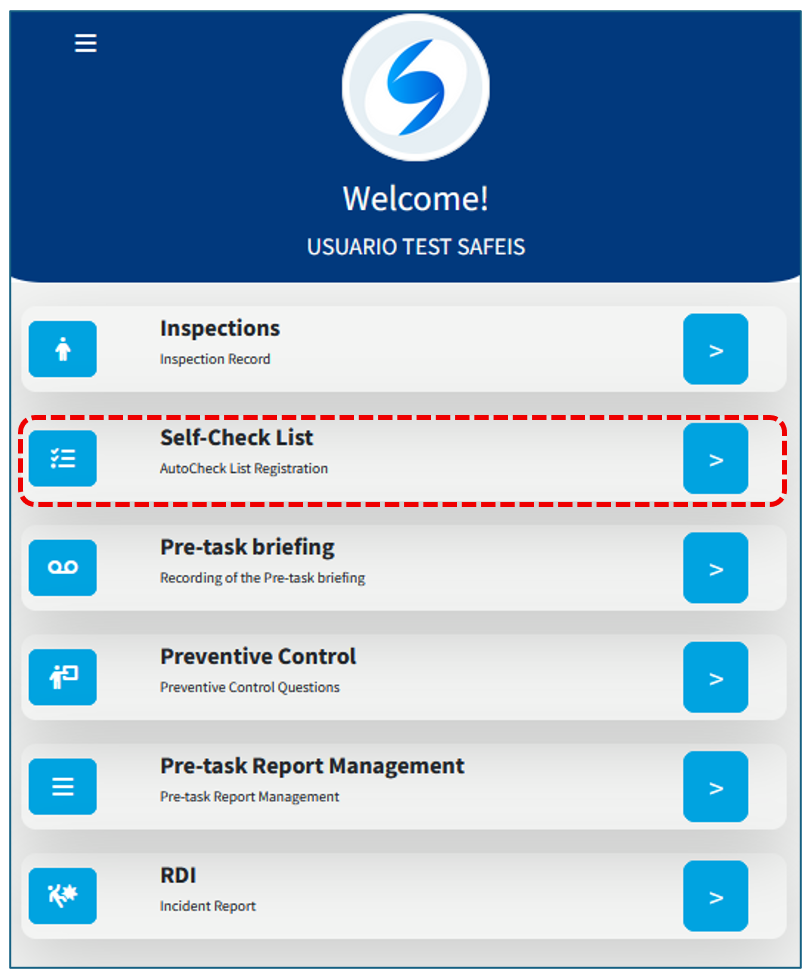
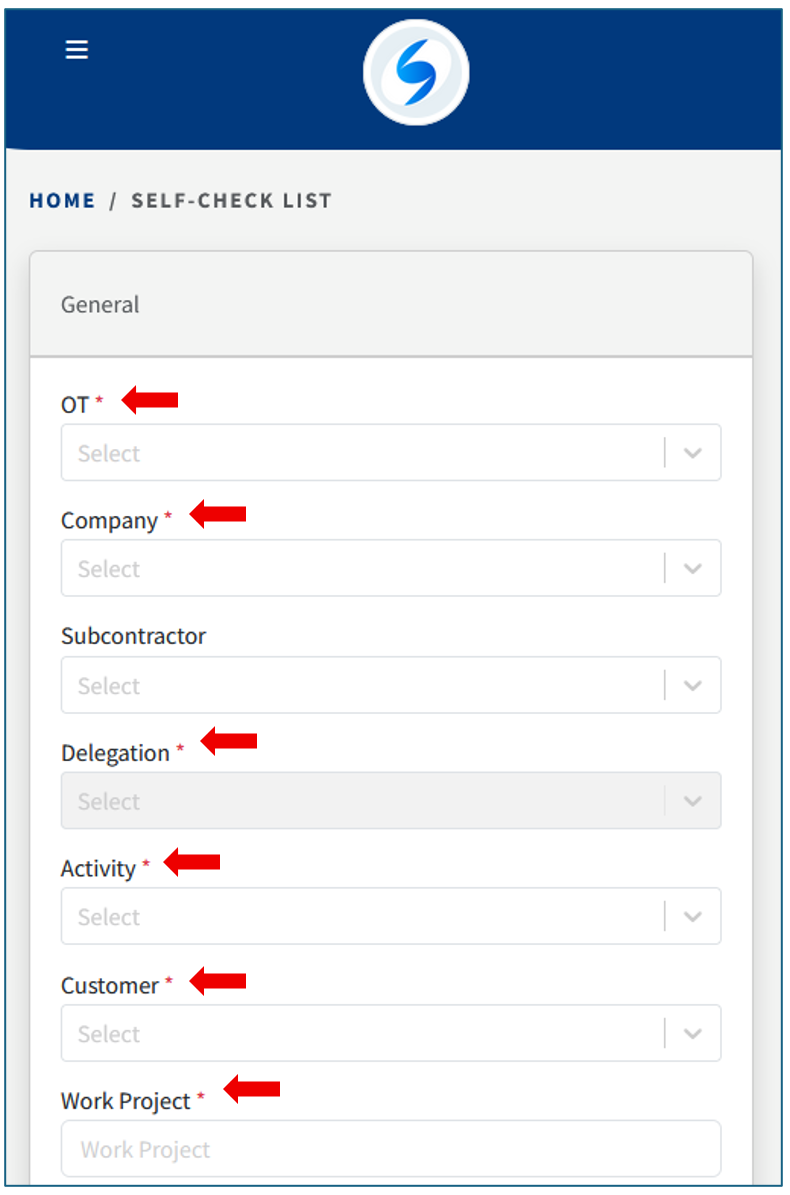
Enter the information in the Self-Check List. When logging in for the first time, the system will load the data configured in your profile, or you may enter the initial information manually.
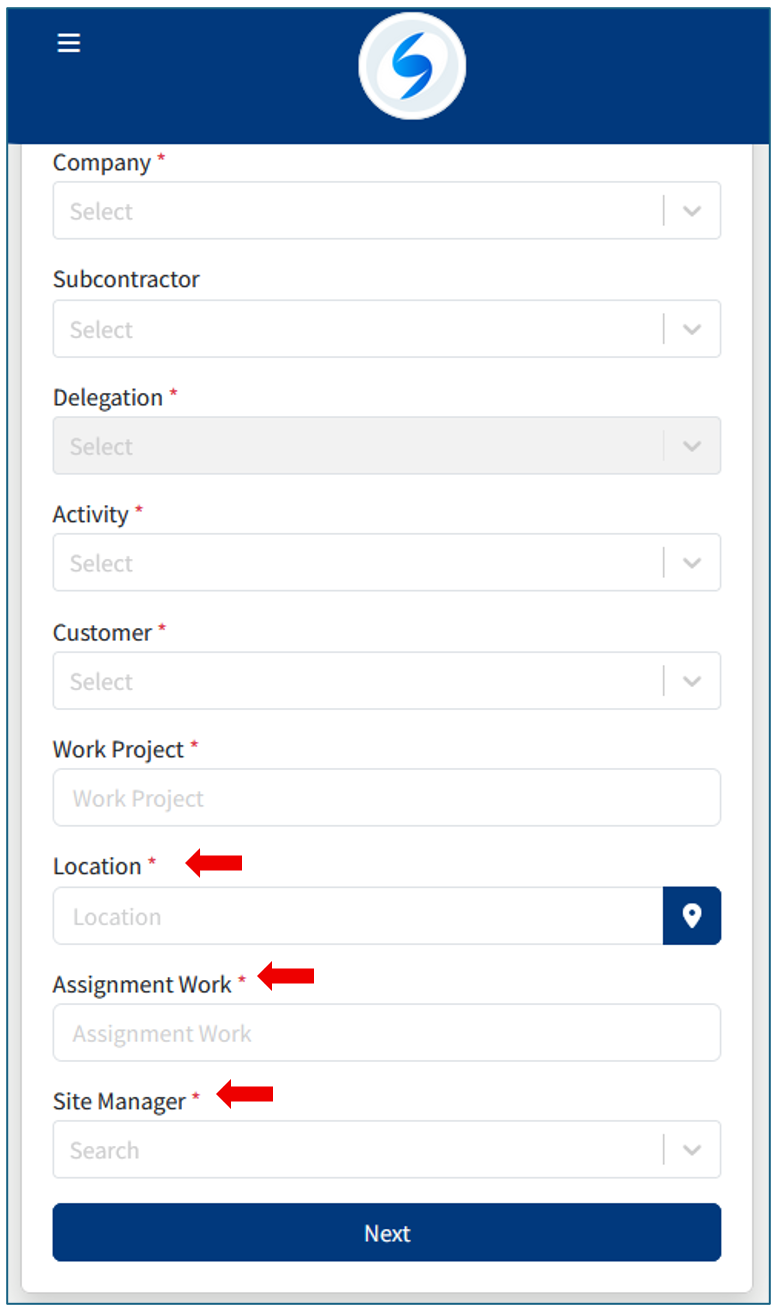
STEP 1
First, the system will ask you to confirm whether you have a work team or not.
If you indicate that you are the only worker, and you have personnel under your supervision, keep in mind that you must complete the Pre-task briefing option.
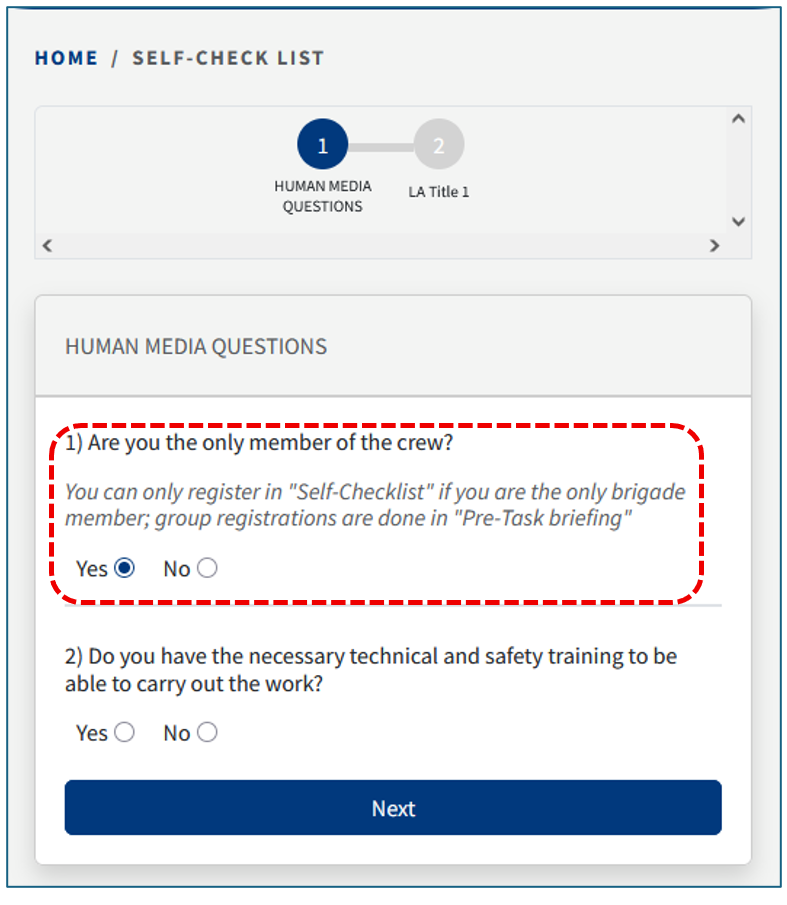
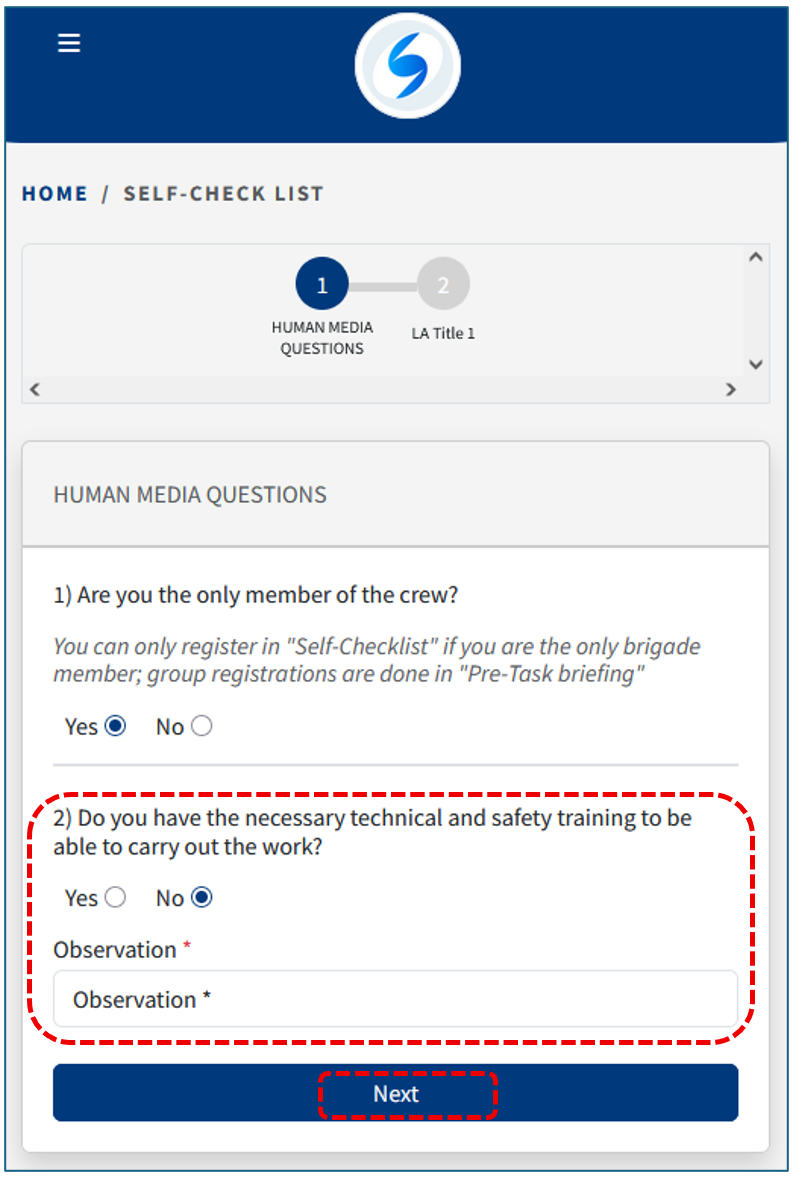
If you indicate that you are the only worker, the system will then ask you to confirm whether you have technical training before proceeding to the next step.
If you have technical and safety training, you may proceed directly to the next step.
Otherwise, you must indicate the reason.
STEP 2
Next, you must answer the Personal Protective Equipment (PPE) questions.
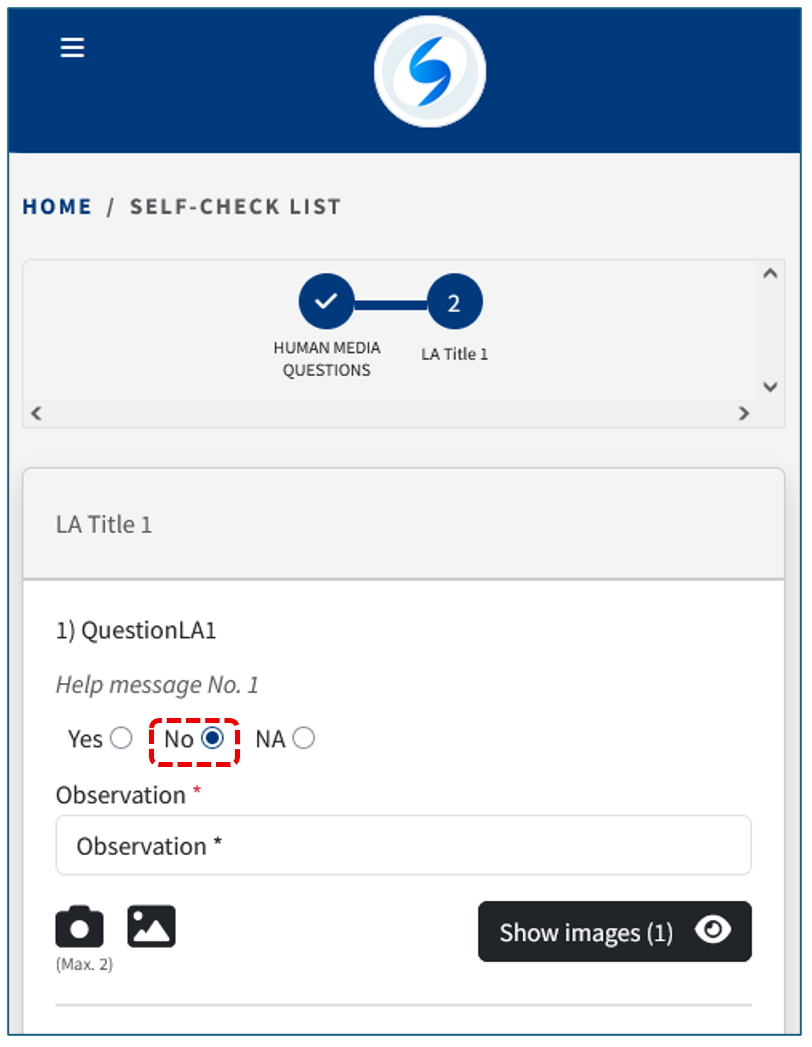
If you indicate that an item is not in good condition, the system will prompt you to provide a photo.
The photo can be taken directly with the mobile device or uploaded from the device’s gallery.
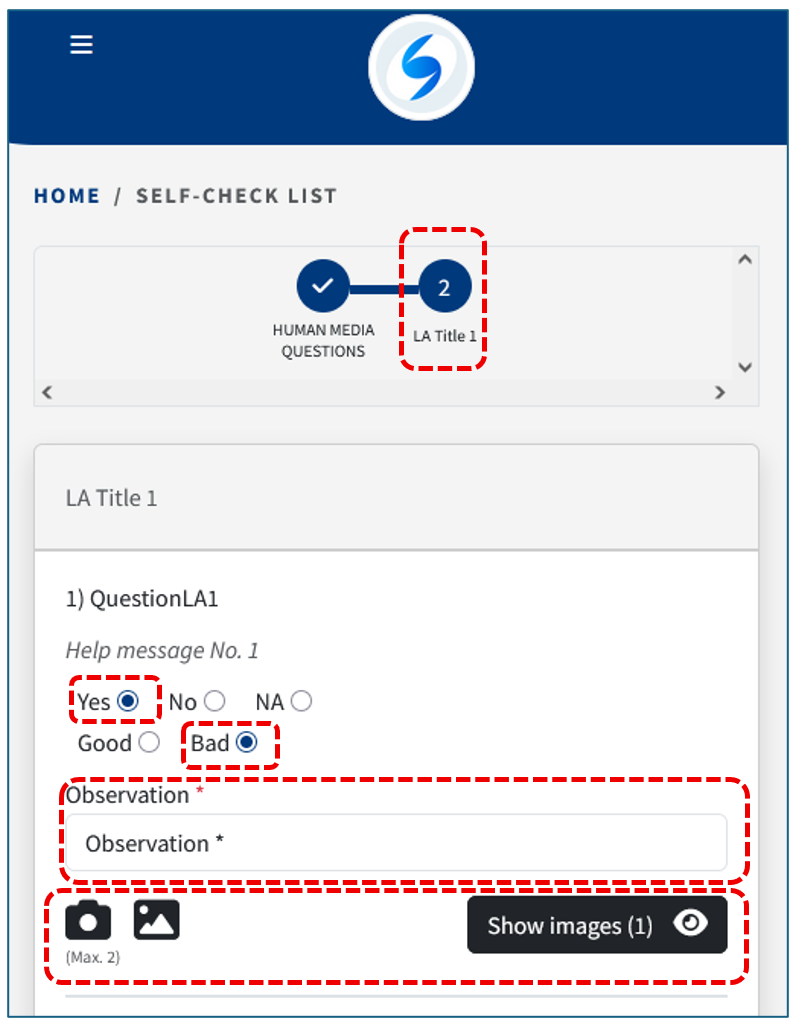
At the end of this section, you will be asked to enter a group observation before proceeding to the next step.
STEP 3
In this step, you must answer the questions related to Collective Protections.
STEP 4
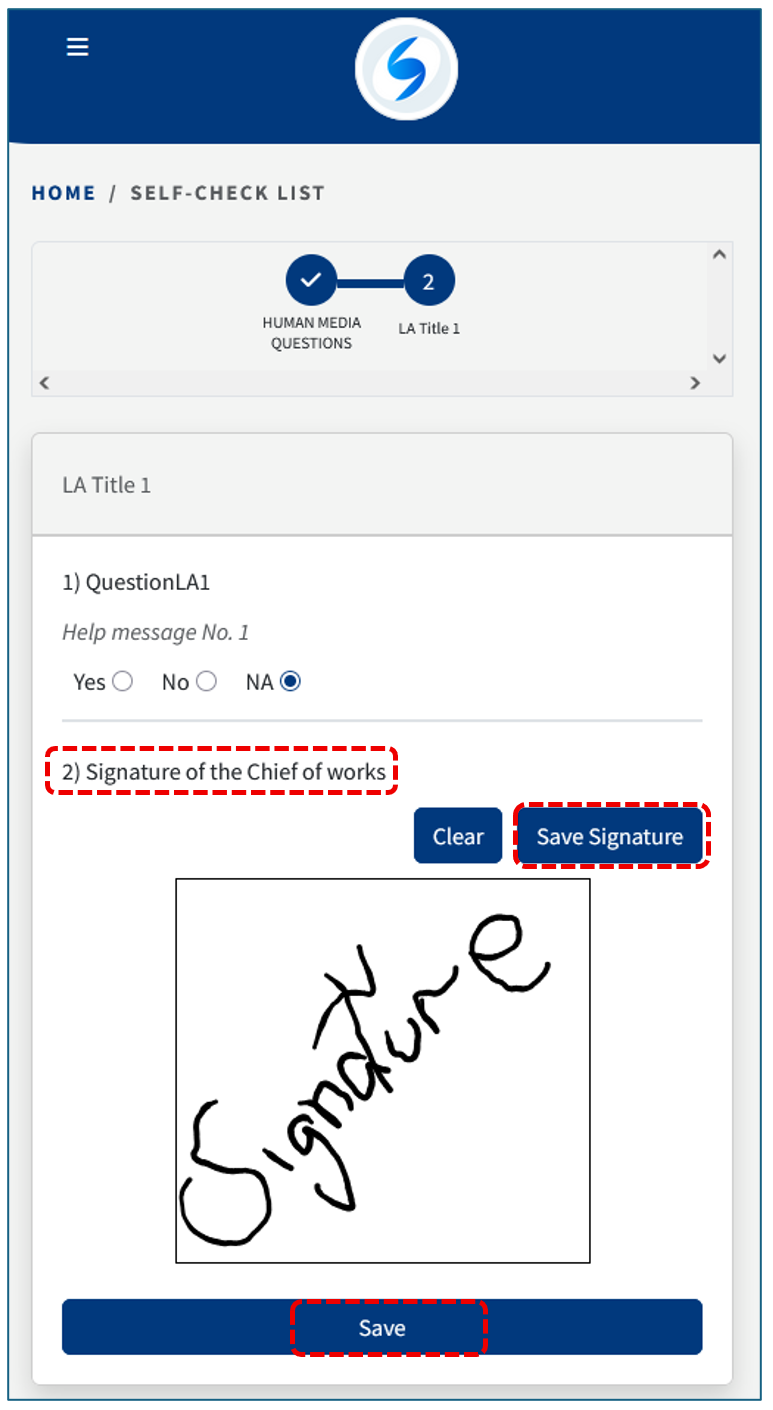
In the final step, answer the questions related to work equipment and provide your signature.
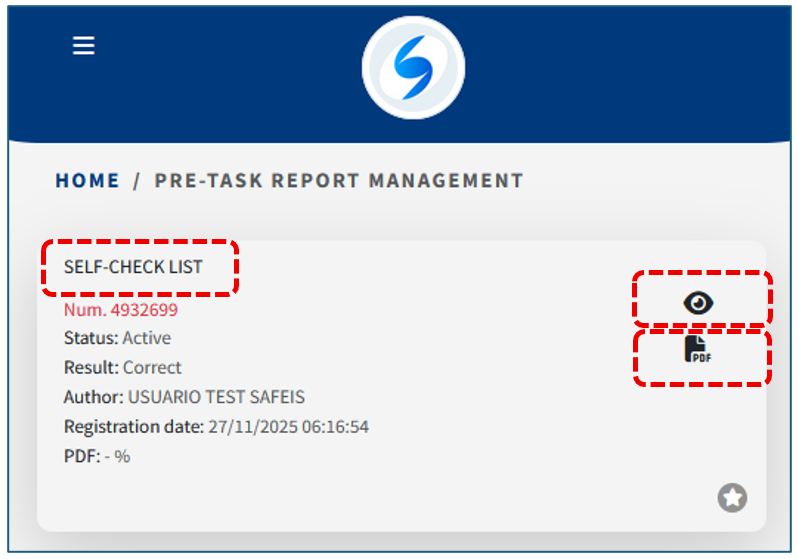
Once the information is saved, the record will be moved to the Pre-task Report Management section