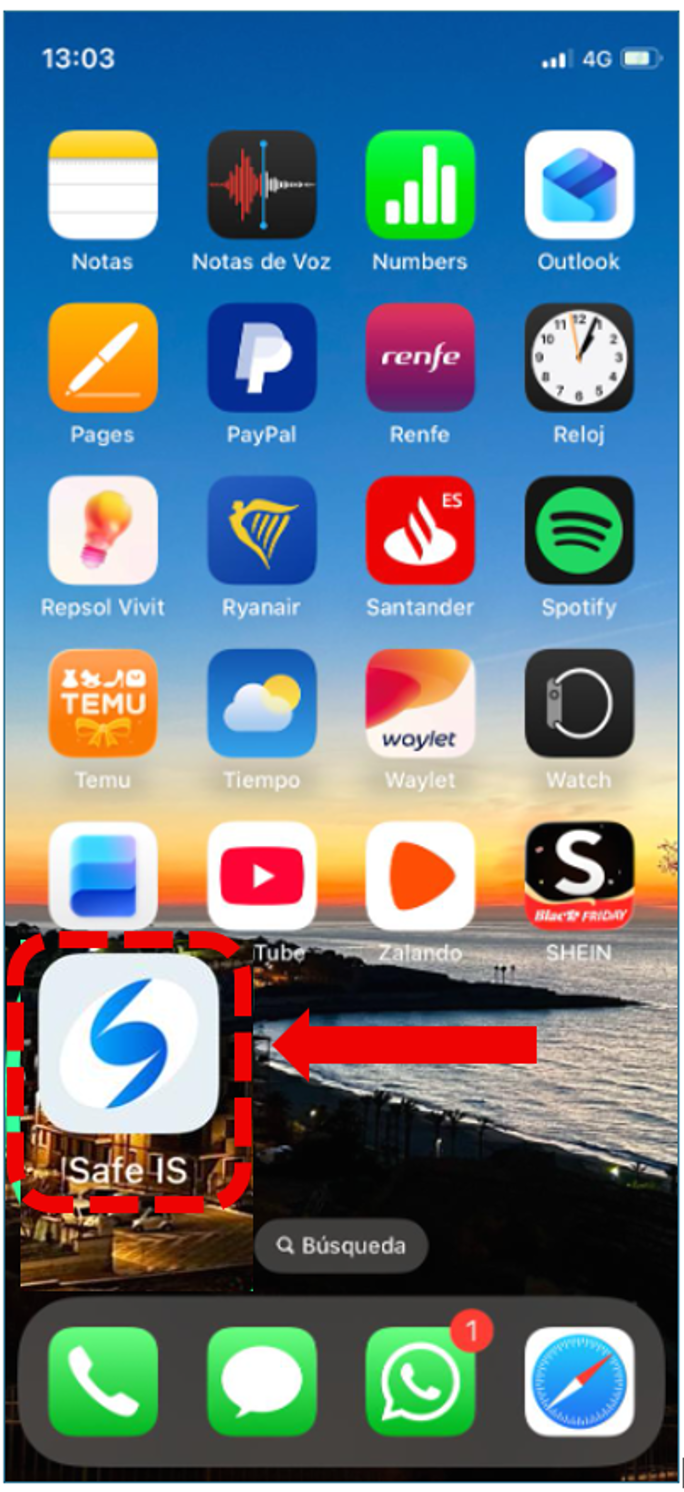
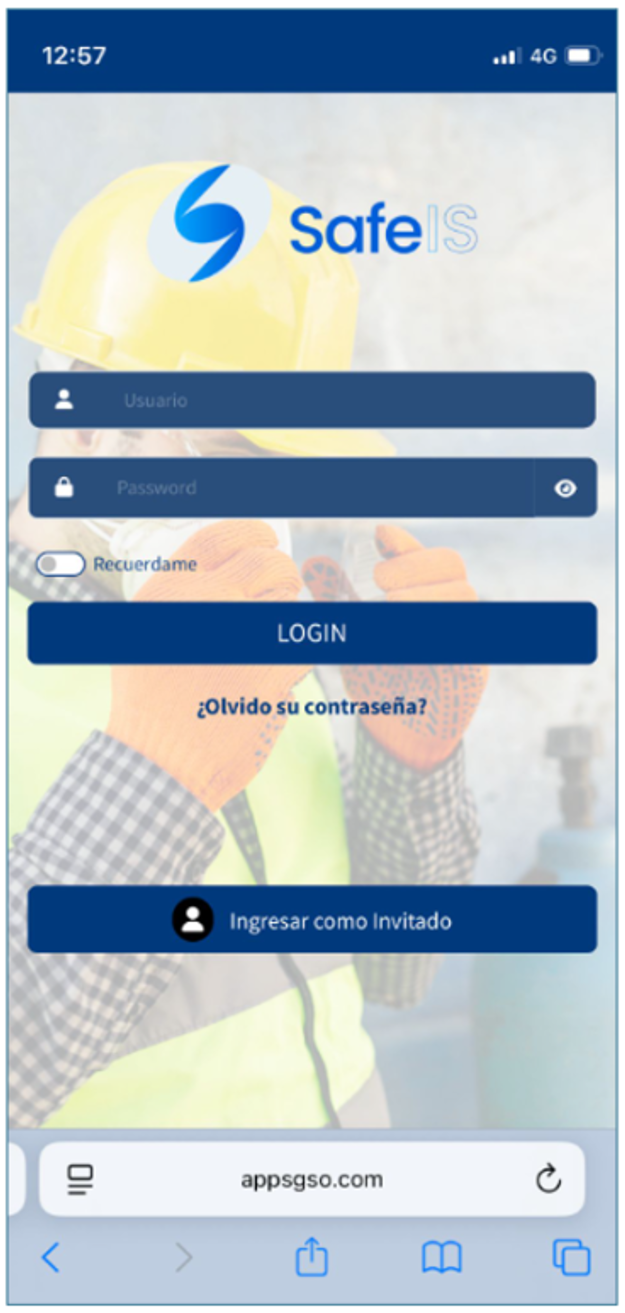
From your iPhone, open the Safari browser and go to the following link in the address bar:
https://mobile.appsgso.com/login
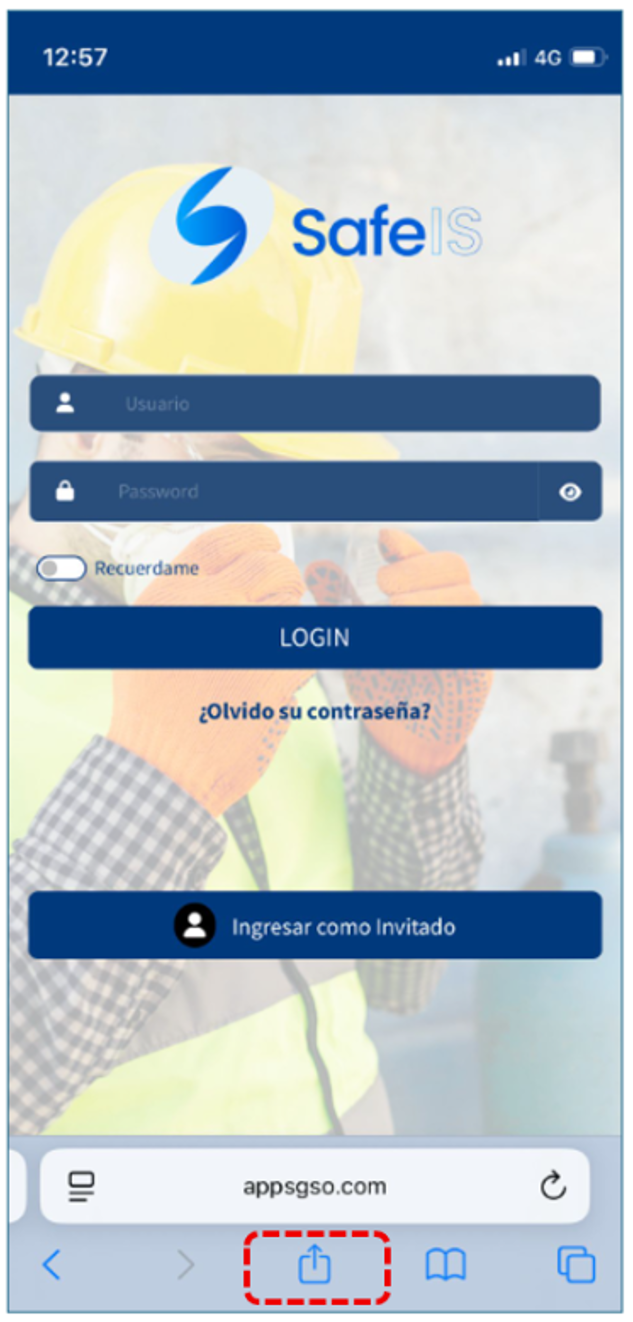
Then, tap the Share icon at the bottom of the screen (the square with an upward arrow).
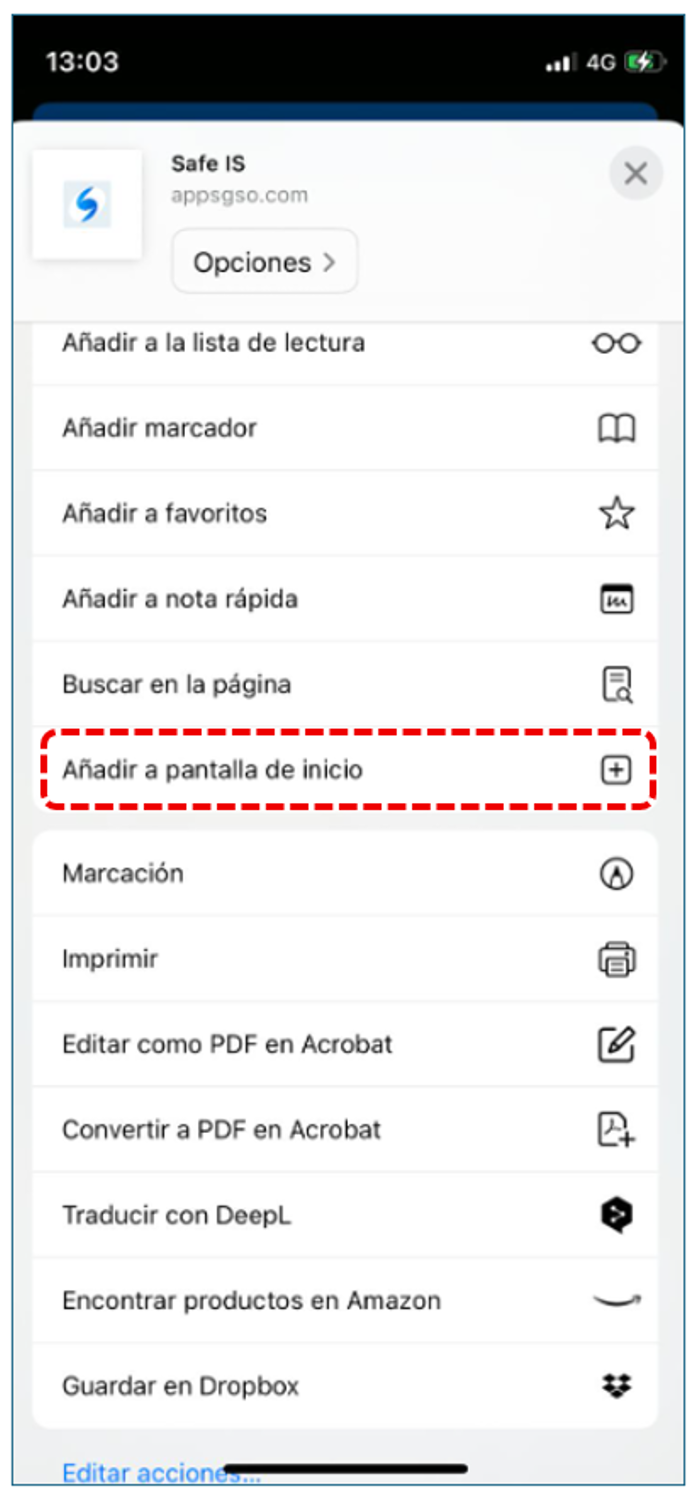
A menu will appear, and we will go to Options.
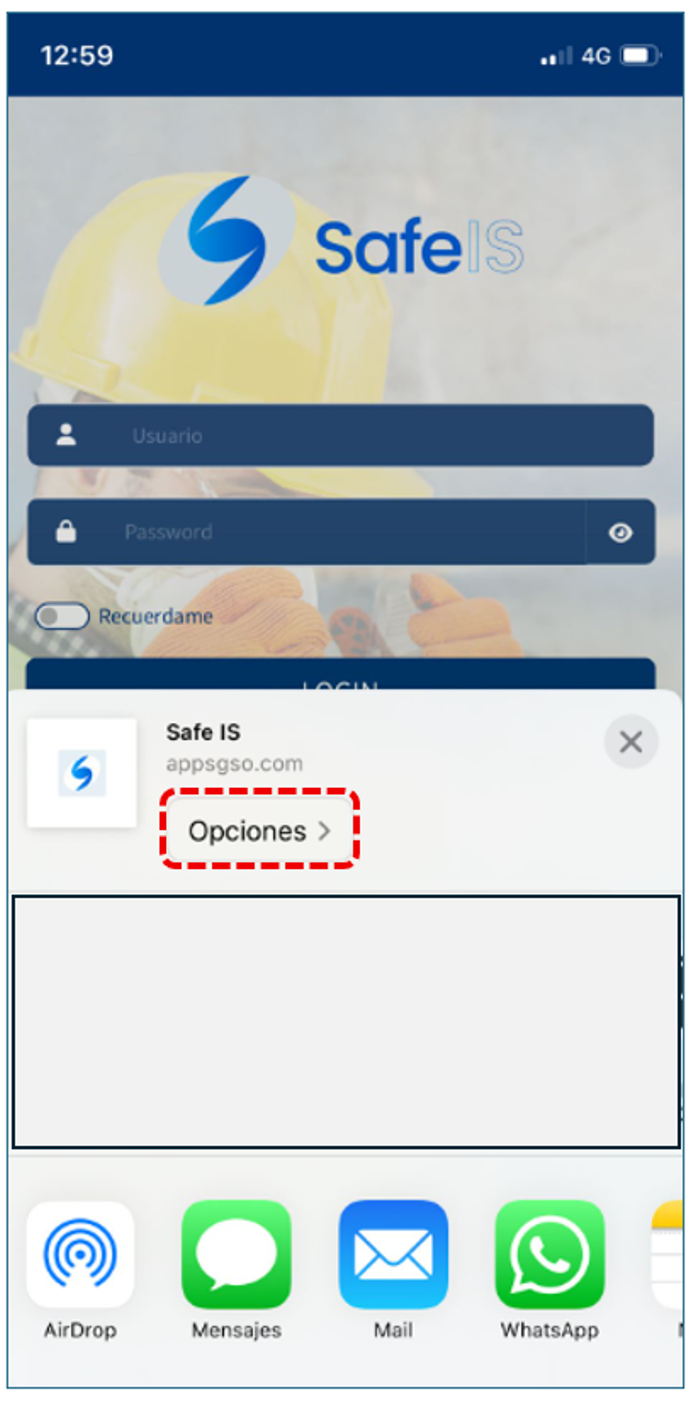
A new window will appear, where we will select the option “Add to Home Screen.”
Finally, the SAFE IS app icon will appear on SAFE IS app your iPhone. From there, you can open the app and enter your access credentials.