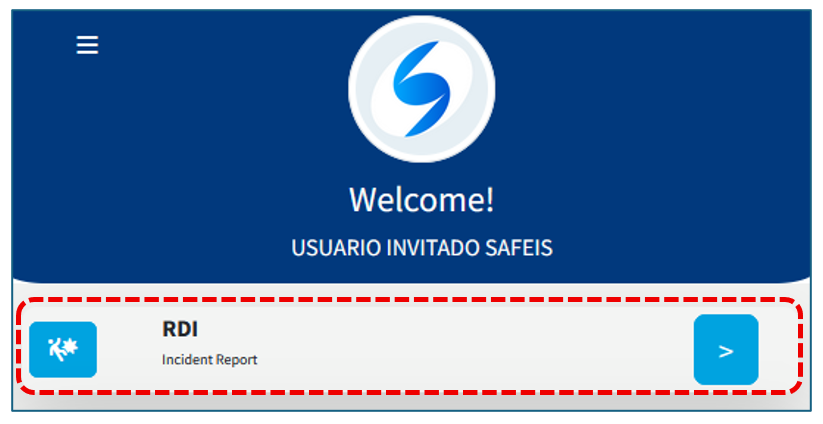
Incidents are recorded as follows:
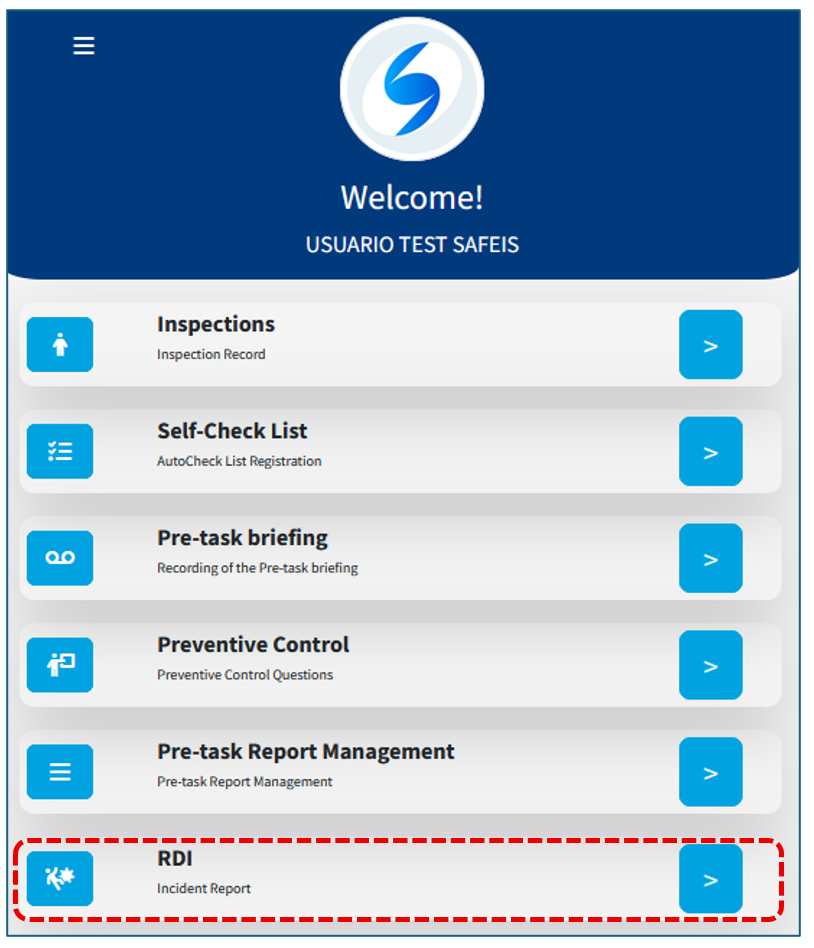
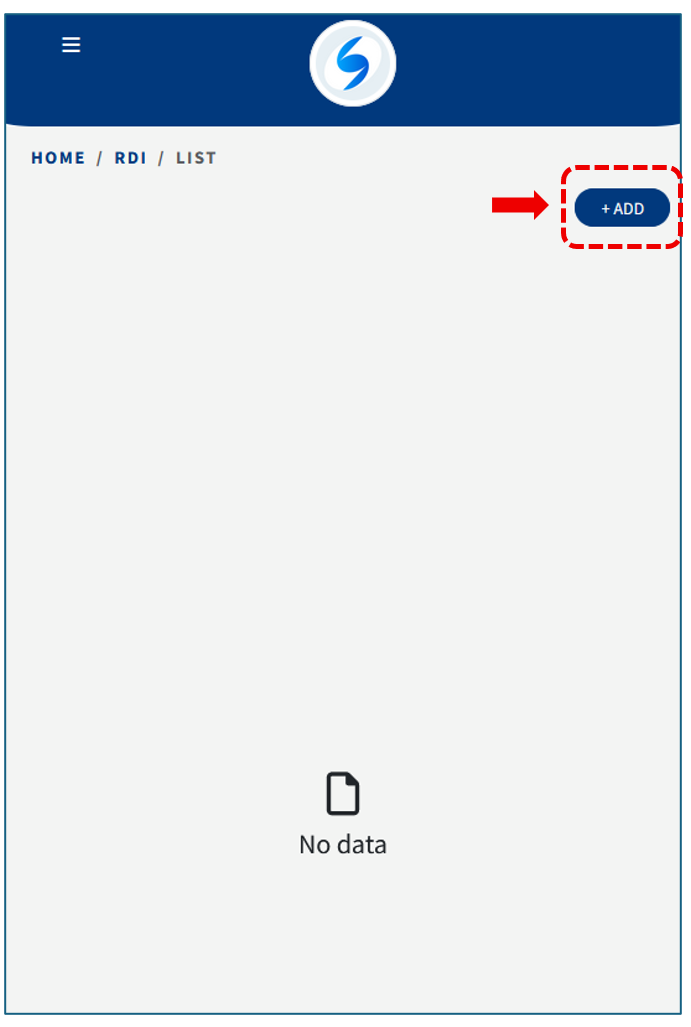
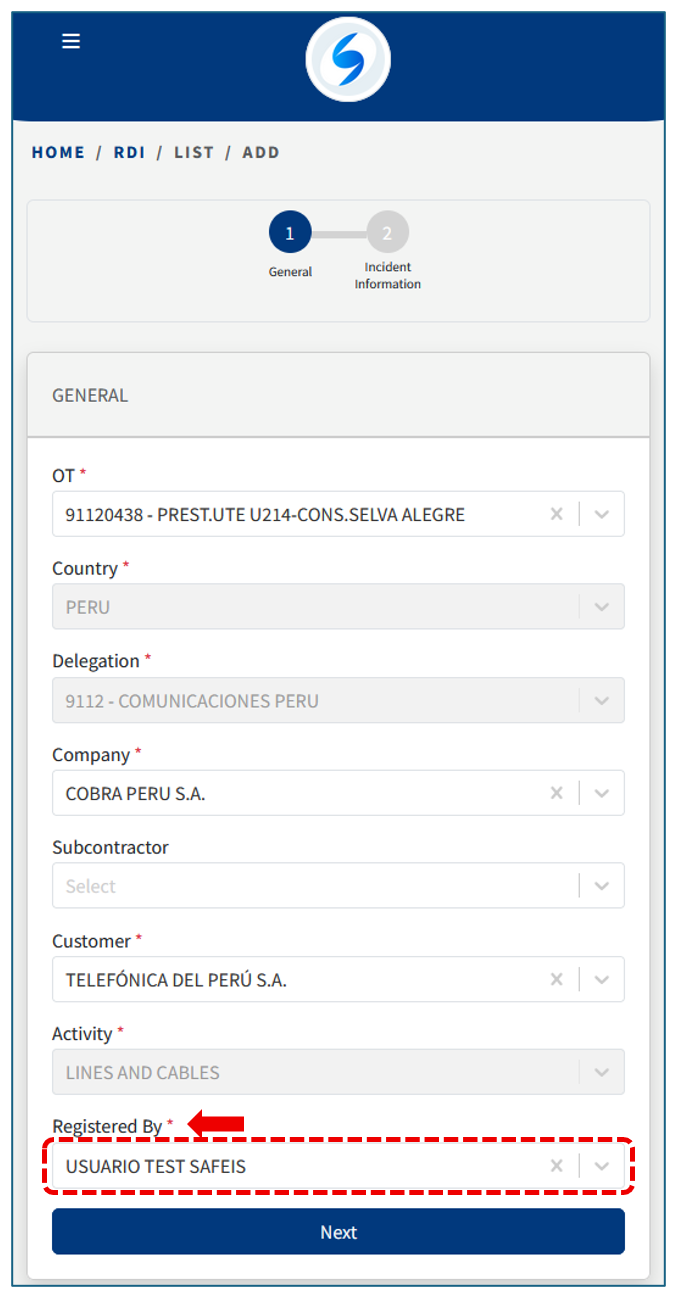
First, if your profile has already been configured, the initial data will be loaded automatically. Review the information and update it if necessary.
The information entry process is divided into two steps:
STEP 1:
Enter the general information, keeping in mind that the mandatory fields are those marked with a red asterisk (*).
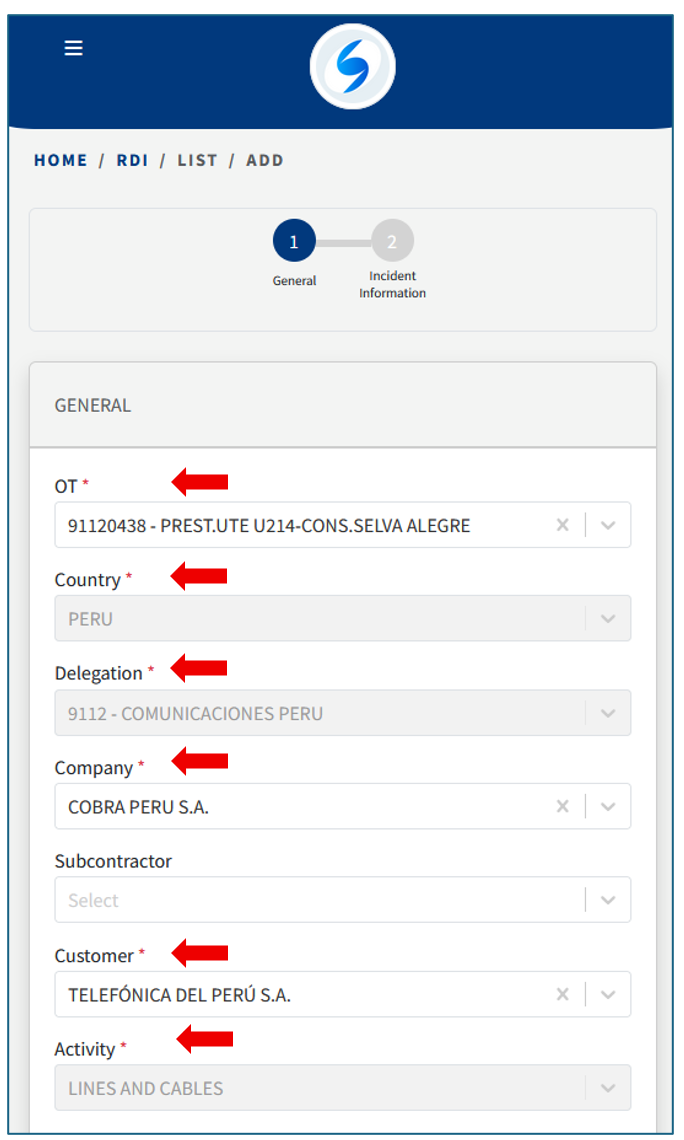
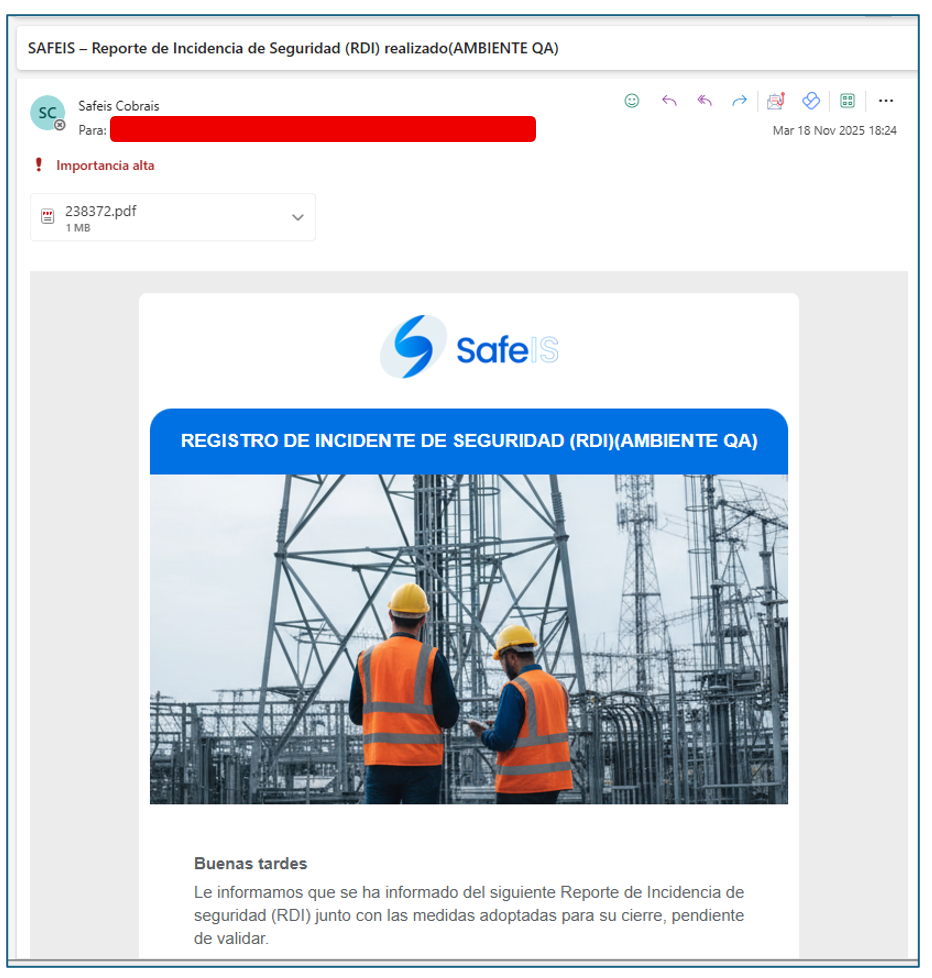
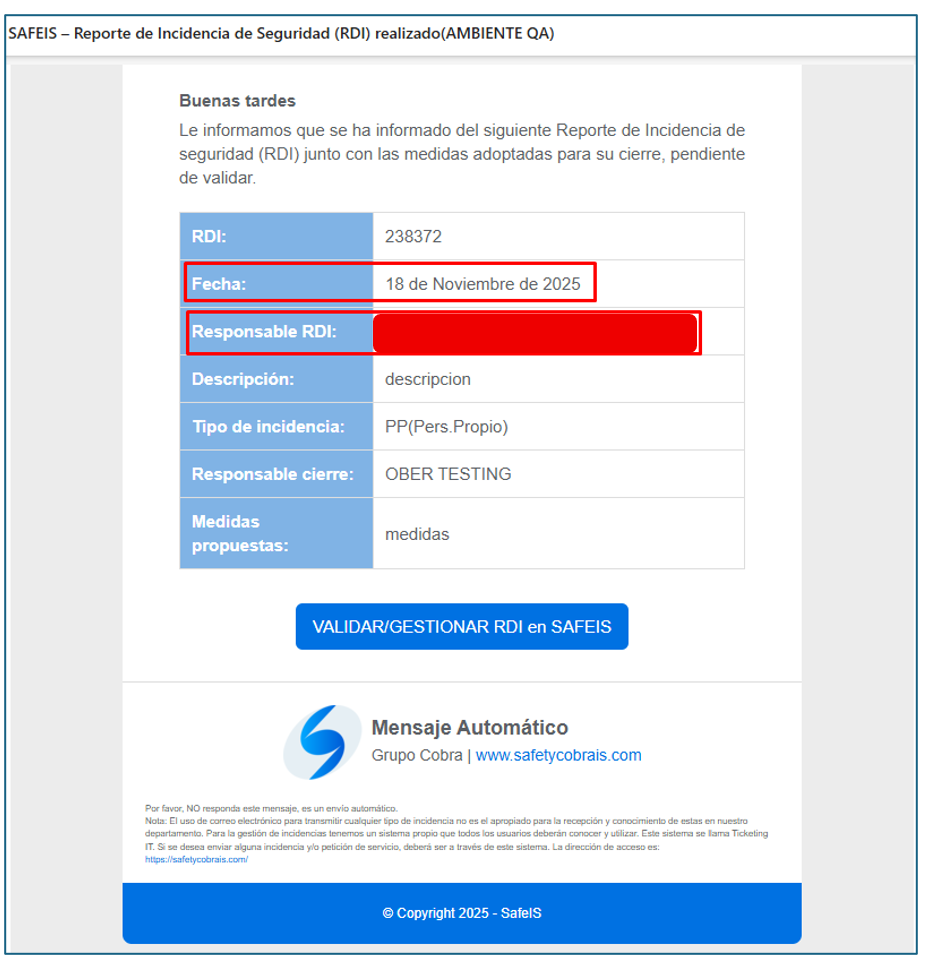
Keep in mind that the person entered as the Registered User will receive an email with the registration details.
Email example:
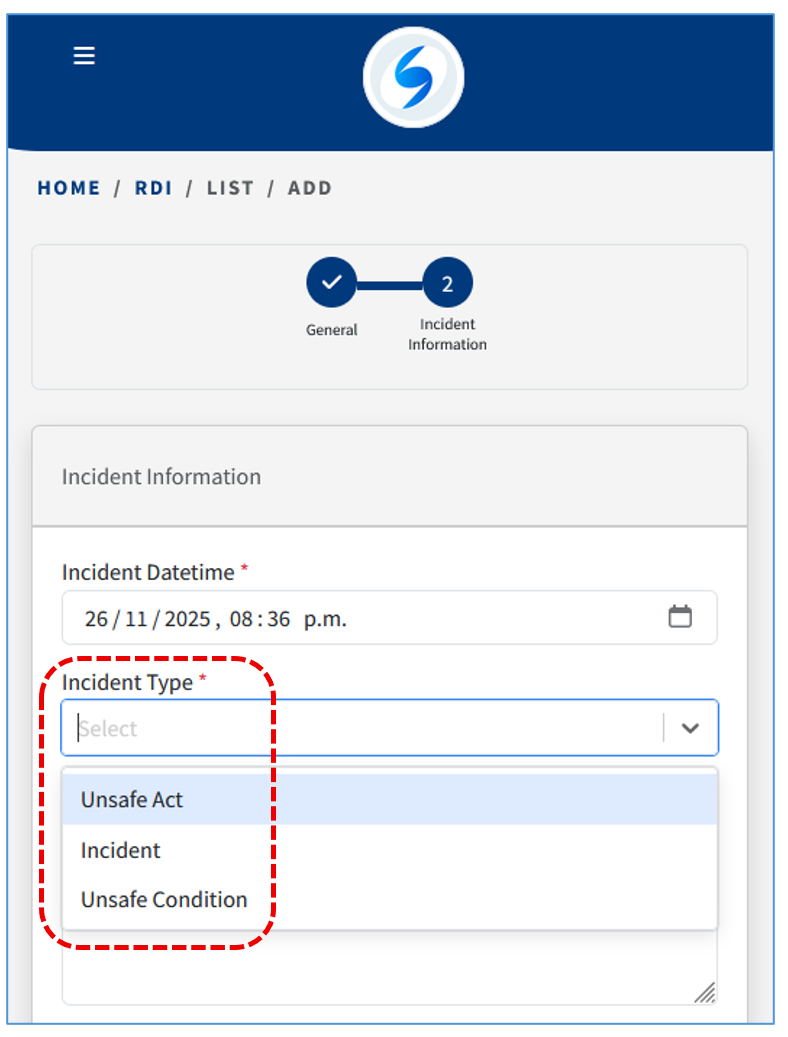
STEP 2:
Next, enter more detailed information about the incident. Again, keep in mind that the fields marked with a red asterisk (*) are mandatory.
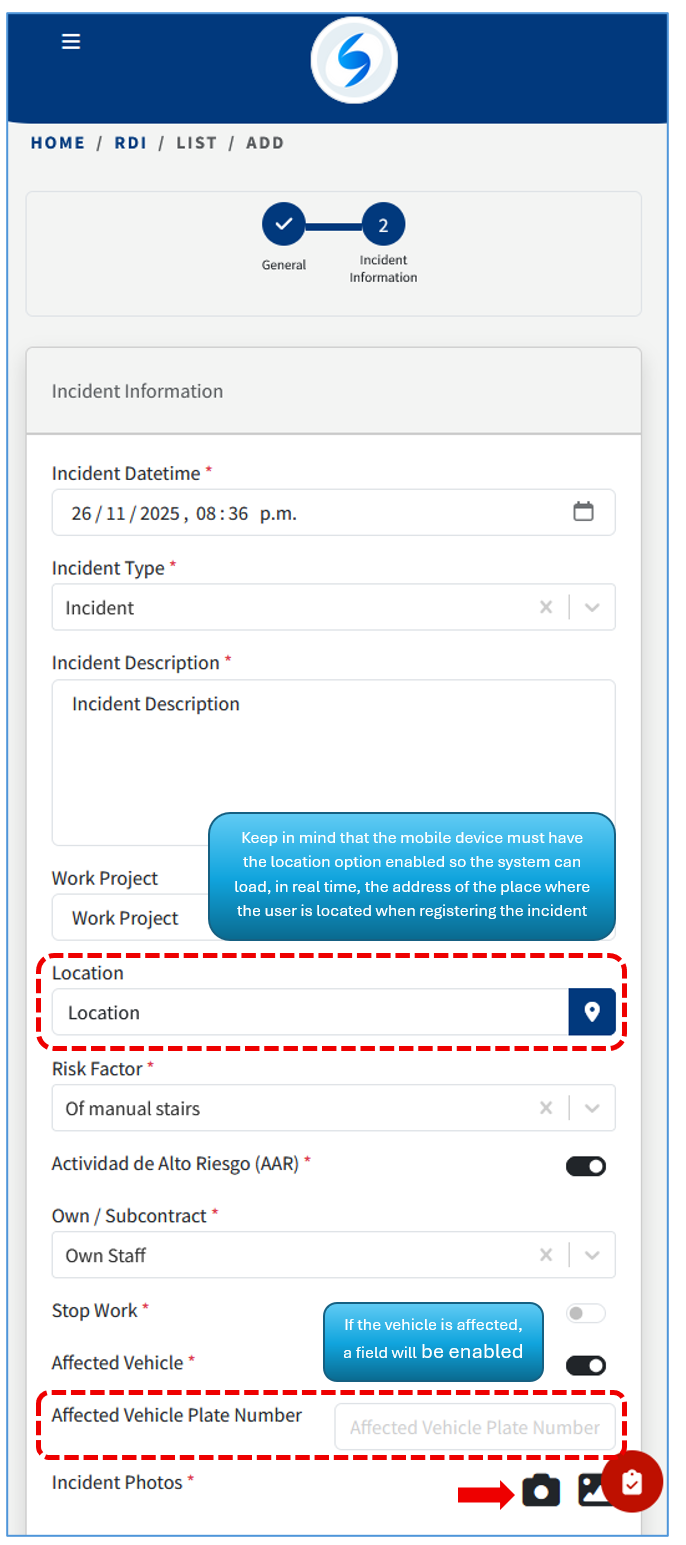
The registered incidents are added after saving: Once the RDI is recorded, it appears in your records list:
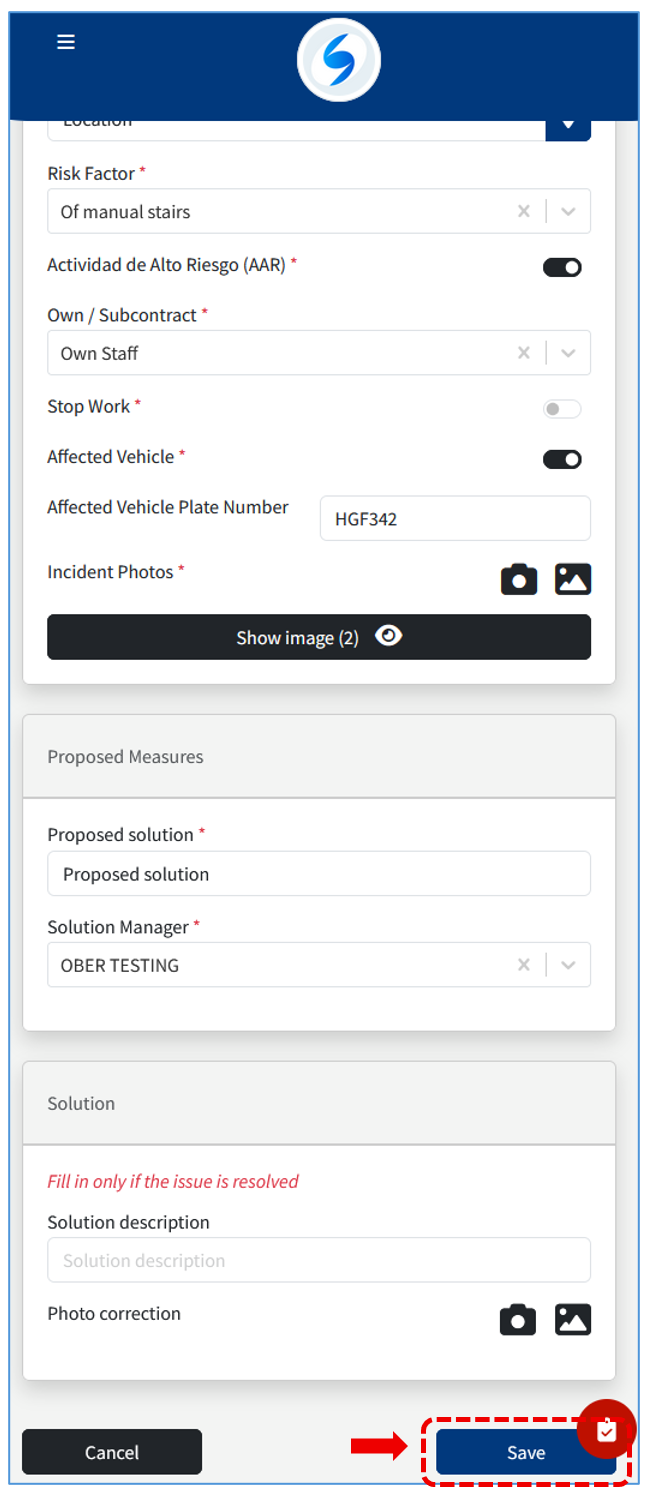
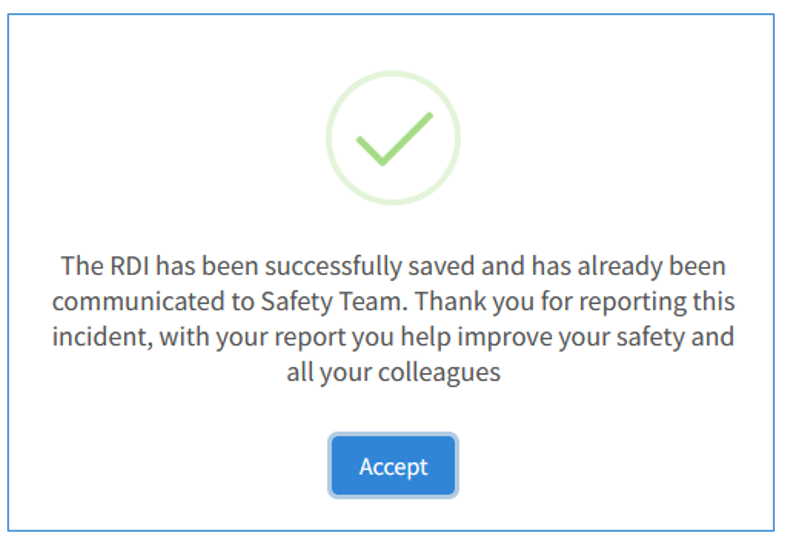
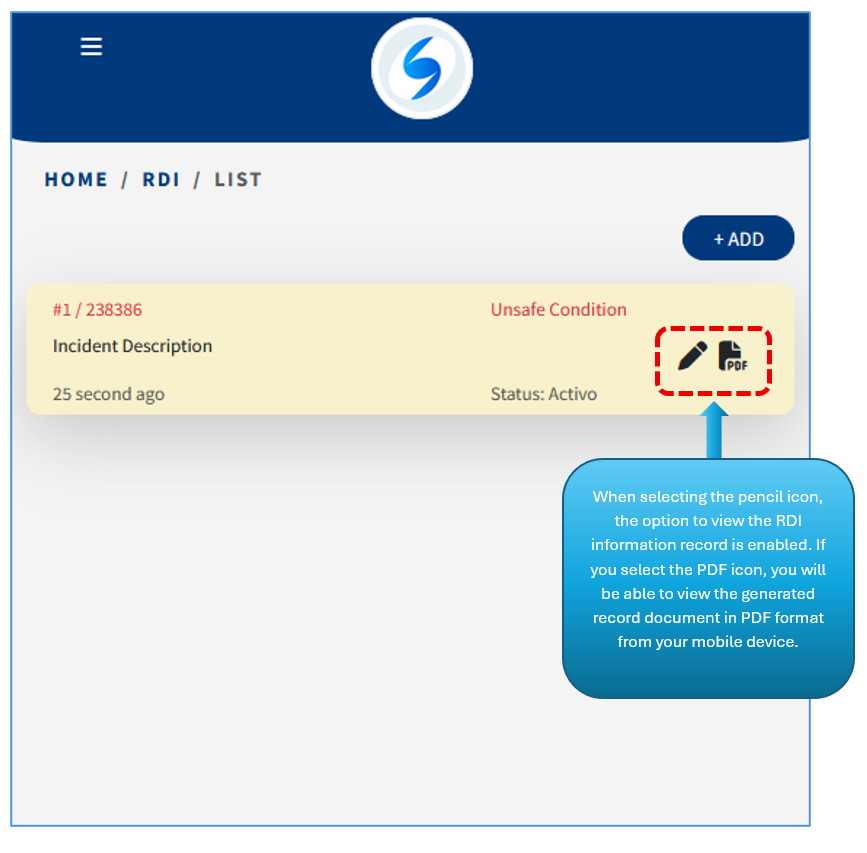
Once the RDI is recorded, it appears in your records list:
Keep in mind that an RDI can also be recorded as a GUEST user (without access to credentials) from the Home Screen, meaning that even if you don’t have your credentials, the record can still be entered:

Then you can start recording the RDI: