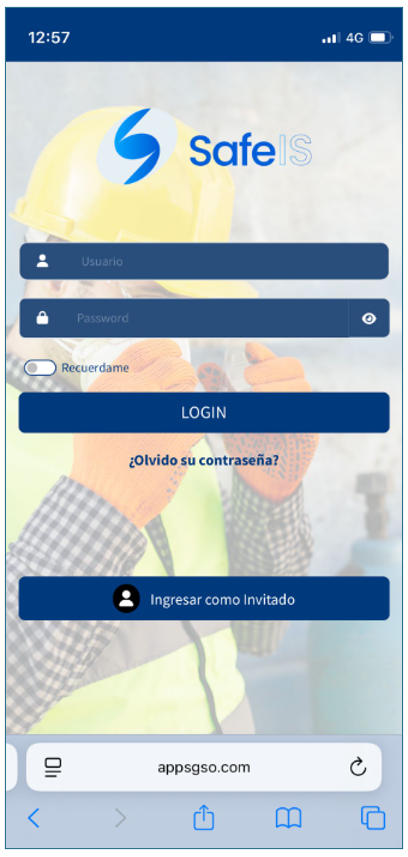
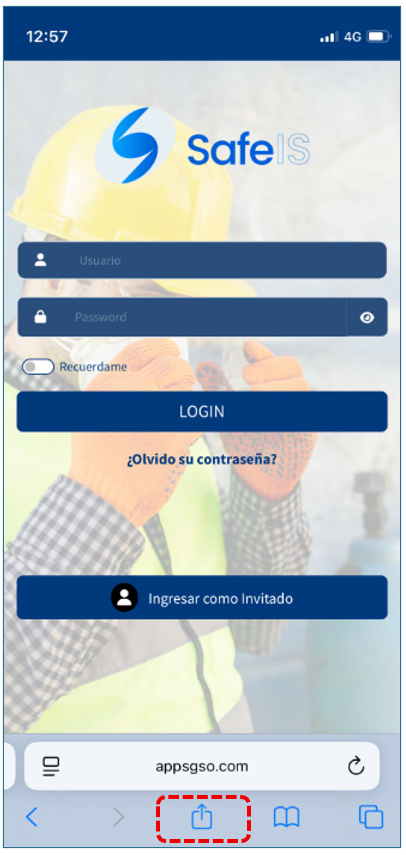
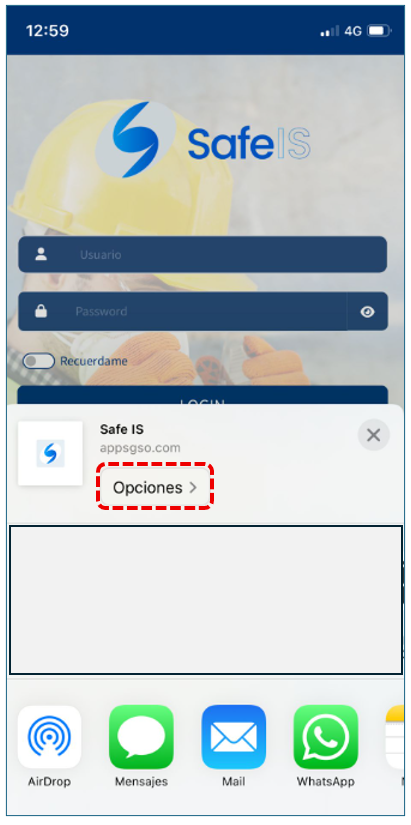
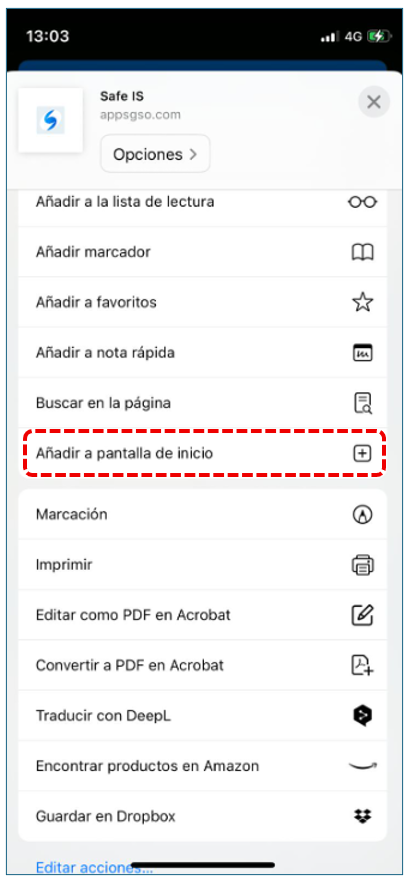
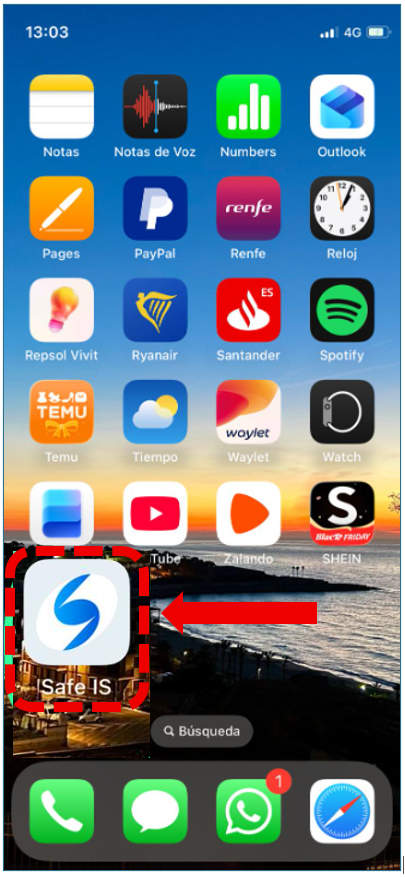
iPhone 1. From the iPhone, go to the following link in the address bar of the Safari browser::https://mobile.appsgso.com/loginThen, tap the icon that appears at the bottom of the screen, which looks like a square with an upwardarrow in the center. 2. A menu will appear, and we will go to Options. 3. A new window will appear, where we will select the option “Add to Home Screen.” 4. Finally, the SAFE IS app icon will appear on SAFE IS app your iPhone. From there, you can open the app and enter your access credentials. How can we help? A premium WordPress theme with an integrated Knowledge Base, providing 24/7 community-based support. Send