






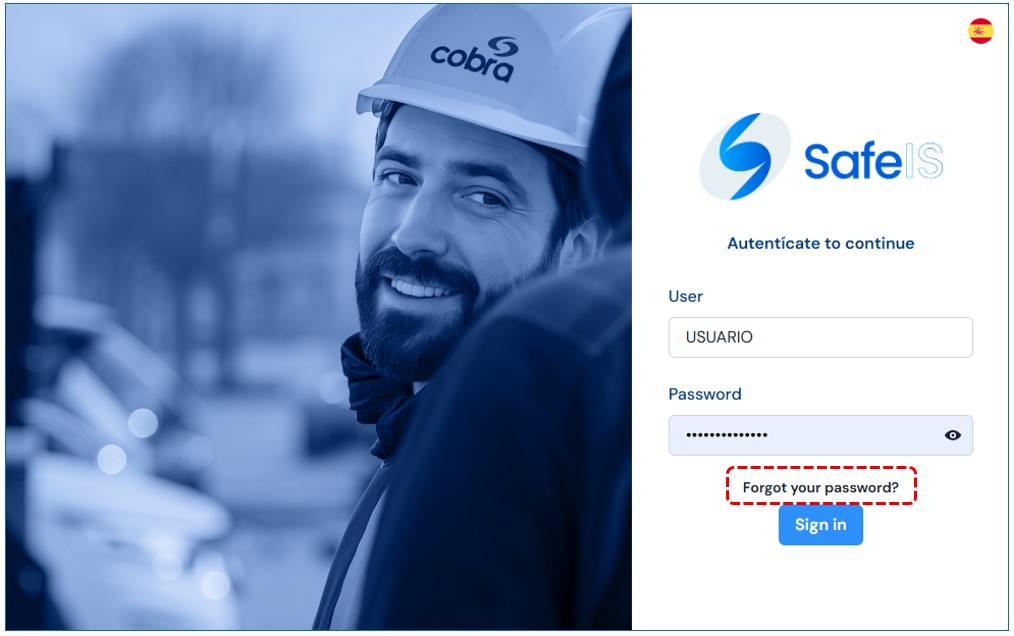
Recover Password
If you forgot your password, click the link “Forgot your password?” on the login screen.
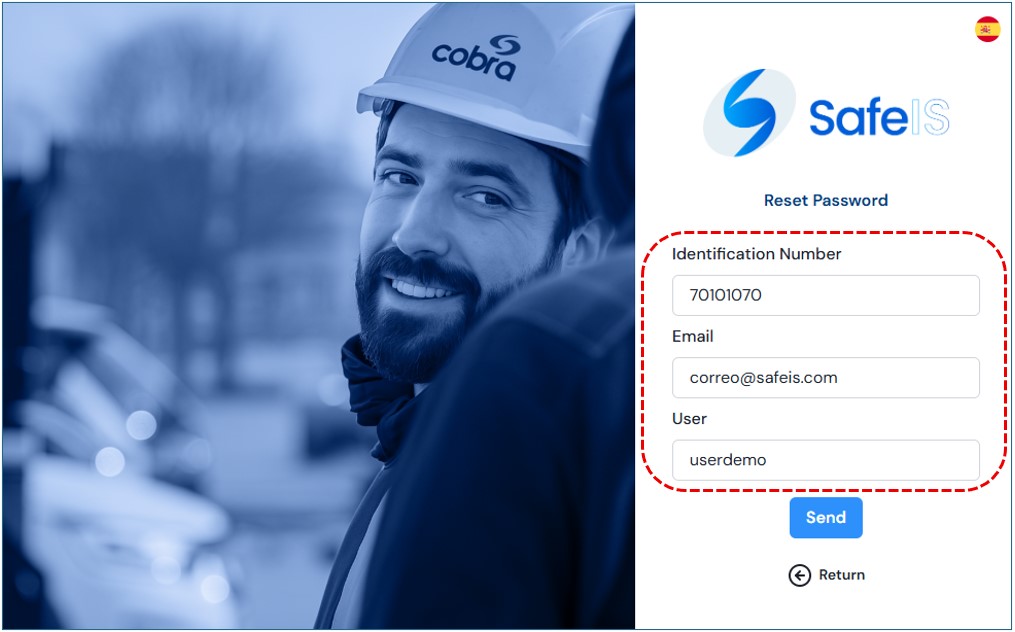
You will be directed to a new screen where you must provide the following information:
- Identification Number:Enter your DNI number or the employee number with which you were registered on the SAFEIS platform.
- Email: Enter the email address where you want to receive instructions to reset your password..
- User: Enter the username with which you were registered on the SAFEIS platform.
Once the information is completed, press Send.You will receive an email with instructions to reset your password.
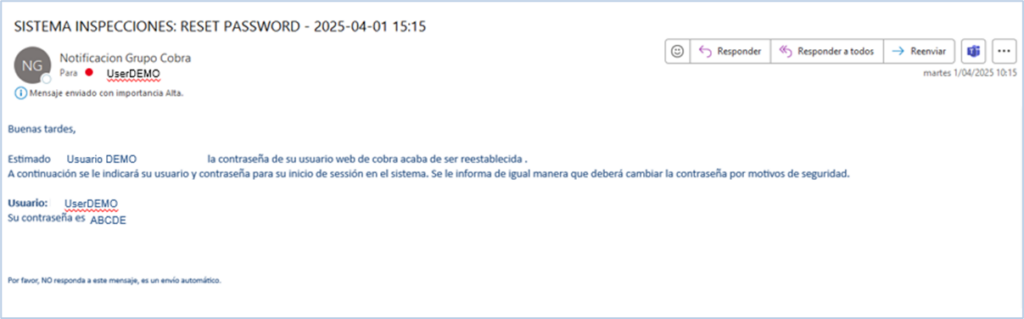
You will receive an email with the information needed to create a new credential from the home page.