






Home
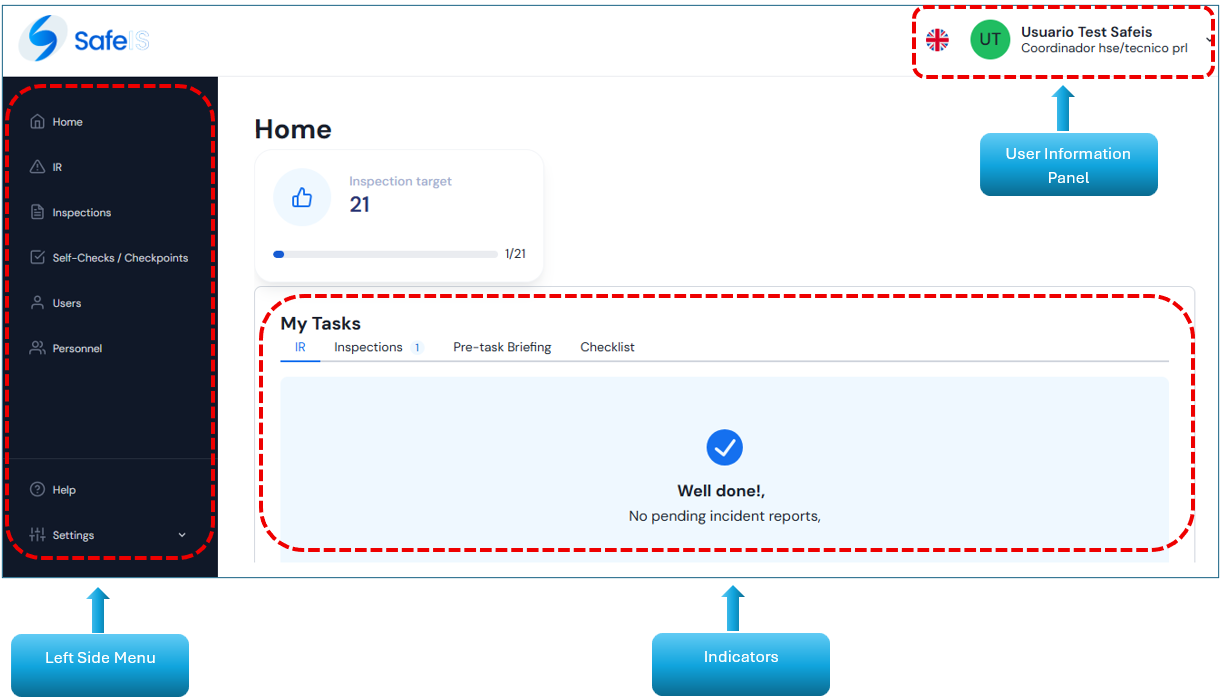
Once you have logged in, you will be able to access the home screen, which includes:
- Left side menu: Displays the modules enabled according to the user’s profile.
- Indicators: Displays the configured monthly targets and the pending records to be closed or lifted. If there are no pending items, “0” is shown.
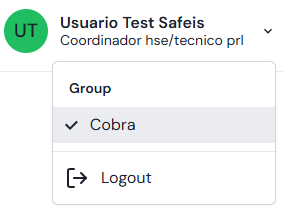
- User Information Panel: In the upper right corner, the user’s name and assigned profile are displayed, where the option to log out is also available.
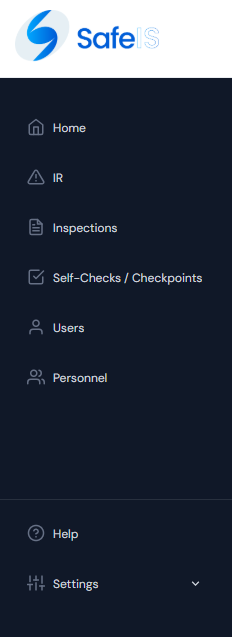
LEFT SIDE MENU
Here you can view and access the following modules:
- Home
- RDI
- Inspections
- Checklist / CP
- Users
- Personnel
- Reports
- Rates
- Help
- Settings
- Groups
- Companies
- Countries
- Personnel Position
- Areas
- Document Type
- OT
- Activities
- Profiles
- Delegations
- Profile Type

INDICATORS
Located to the right of the side menu on the home screen, it allows quick access to the pending items of each module, organized by tabs.
If there are no pending items, the following screen will be displayed:

USER INFORMATION PANEL
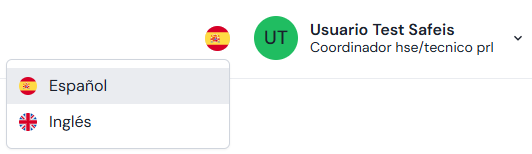
In the upper right corner of the screen, you can change the system language by clicking the flag icon.
By clicking on the user's name at the top, it shows the group they belong to and the option to log out.