Reports
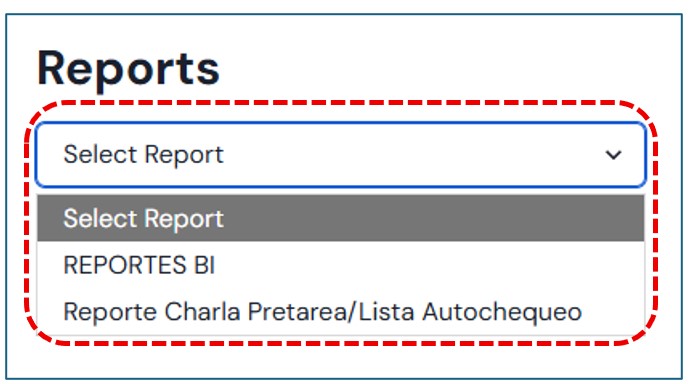
Upon entering this module, two types of reports will be available for consultation.
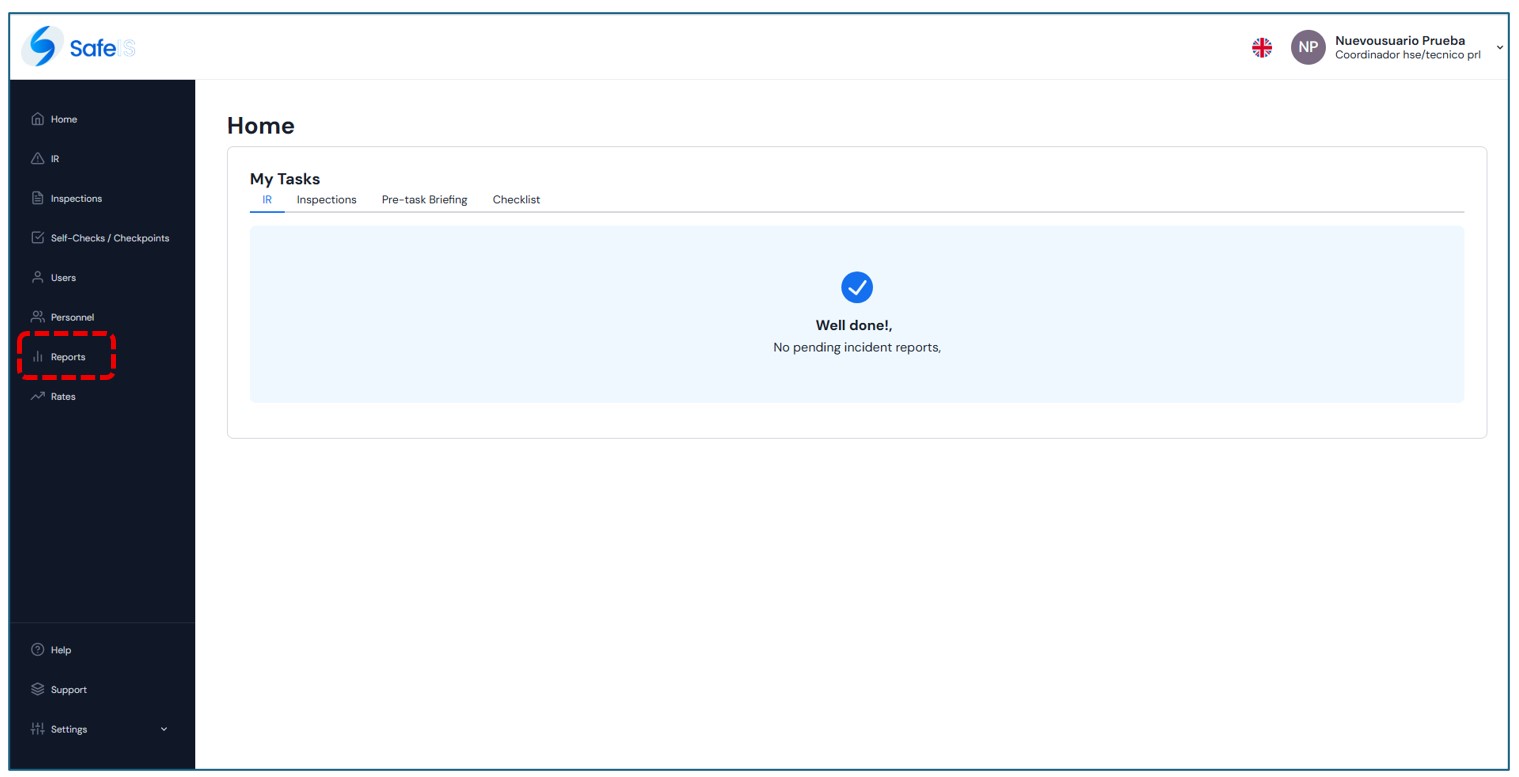
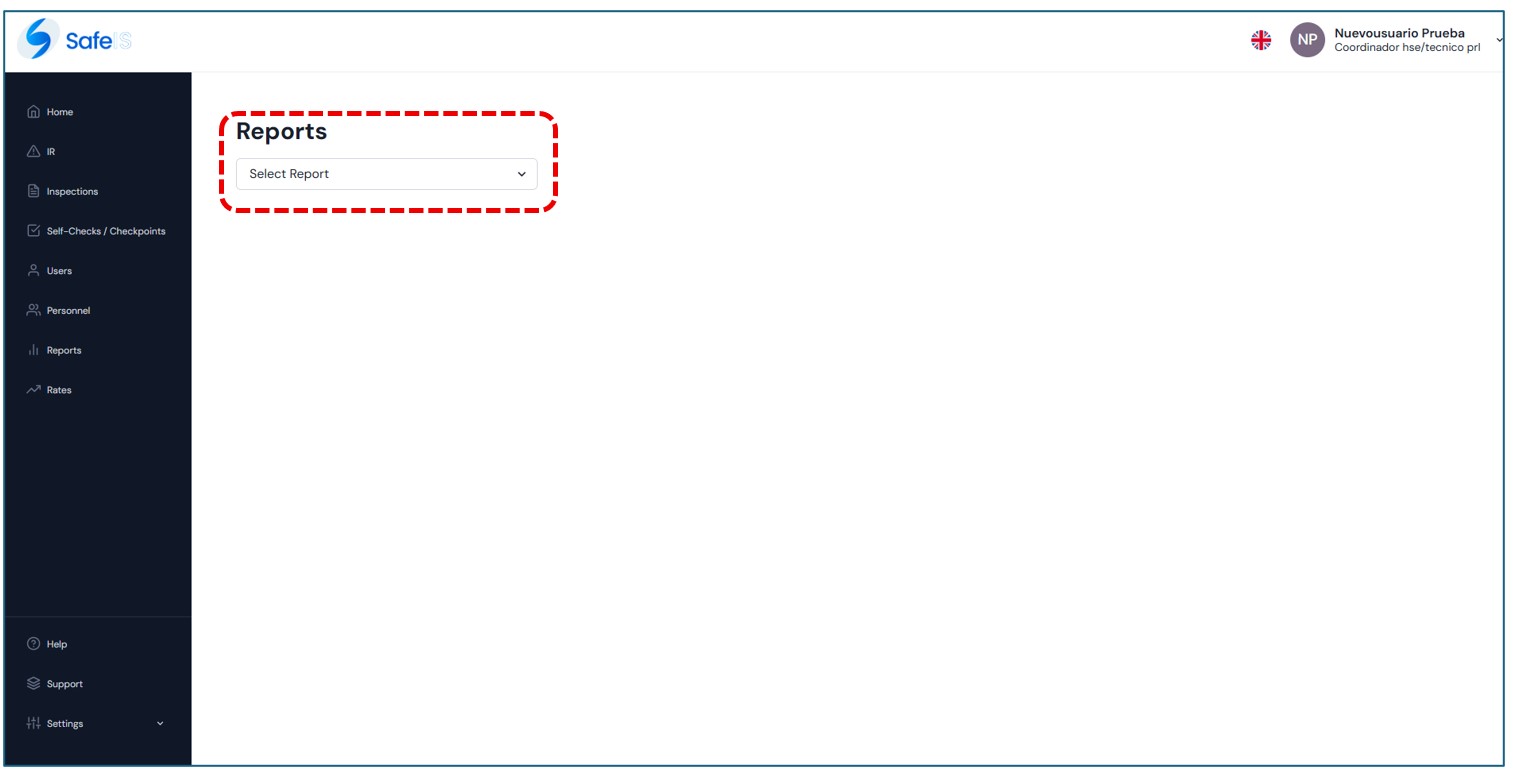
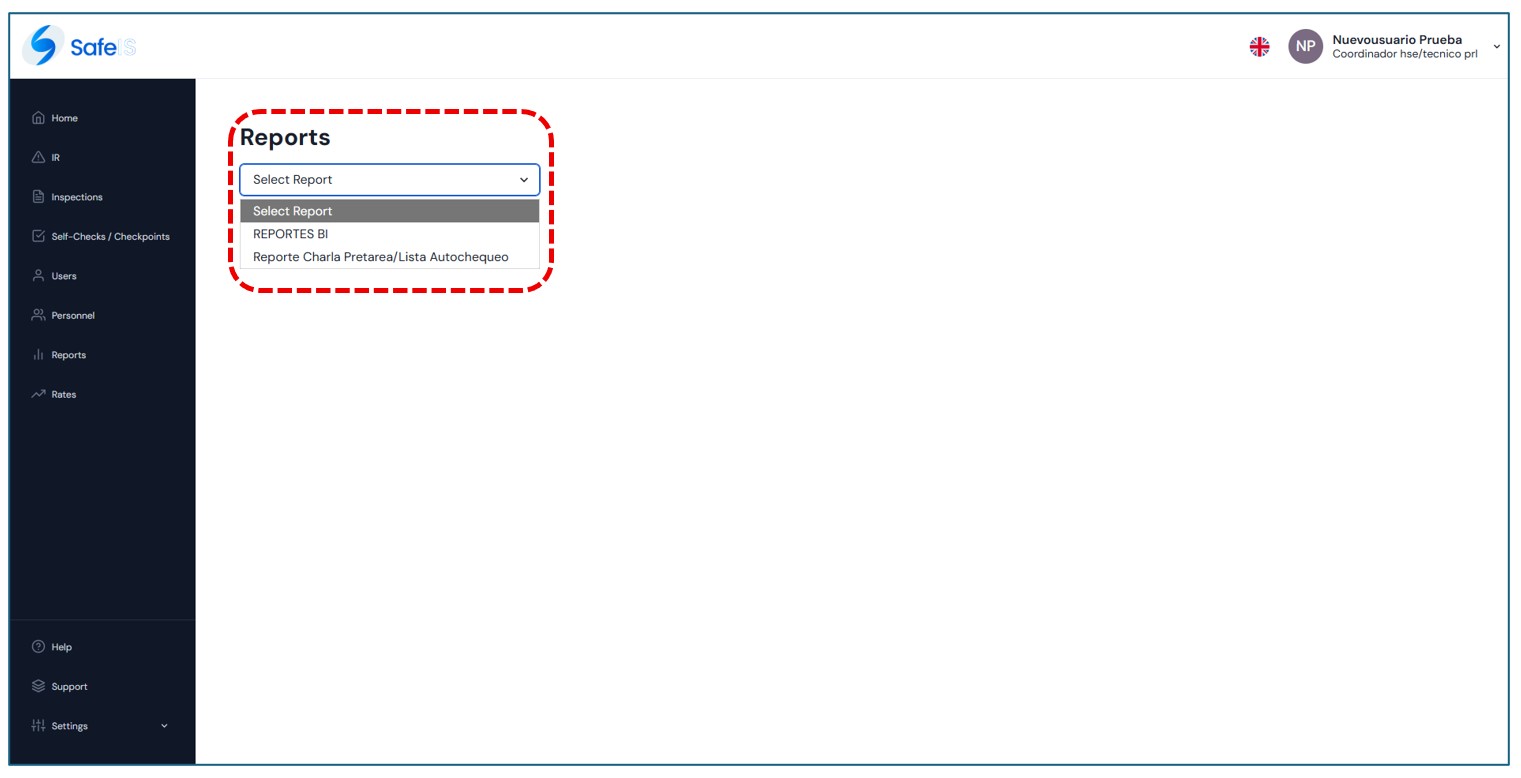
BI Reports
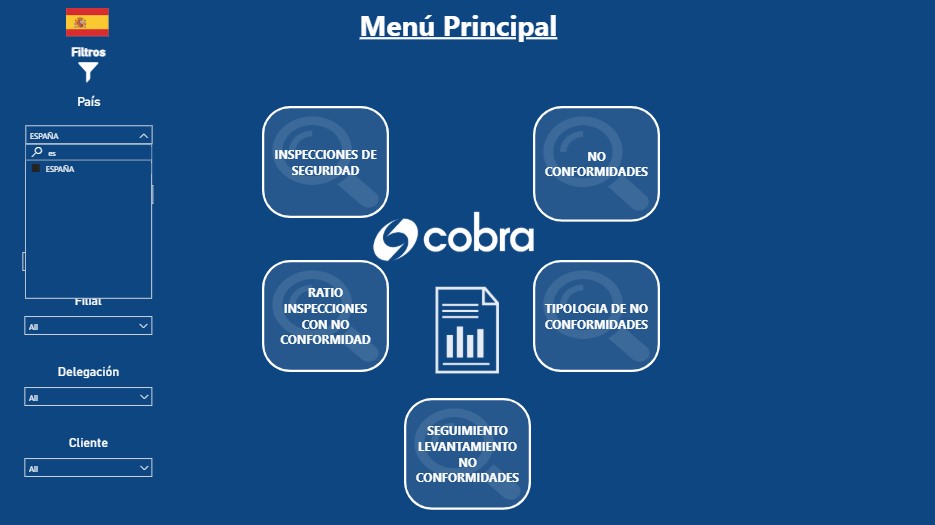
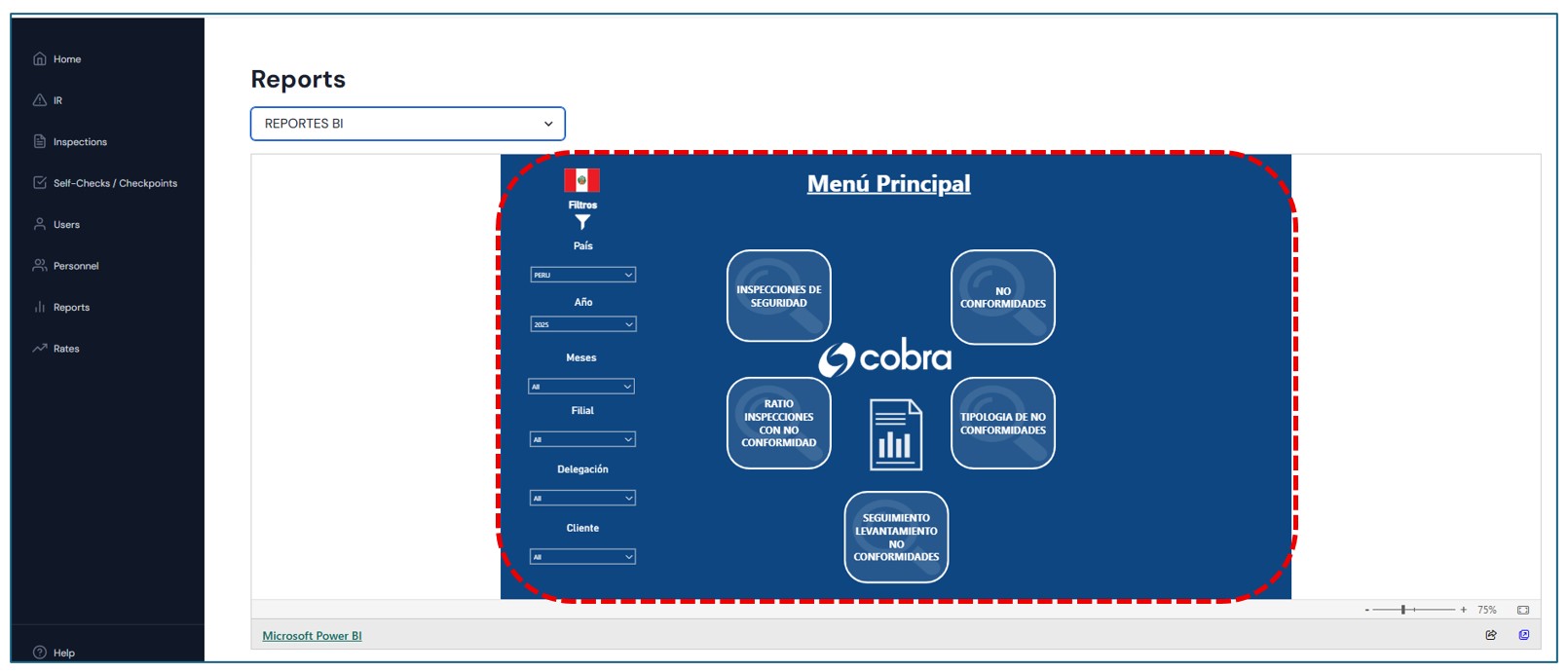
When entering these modules, a Main Menu will be displayed, which includes:
- A sidebar to select the type of report you want to review.
- Up to five buttons with predefined options that allow quick access to specific reports.
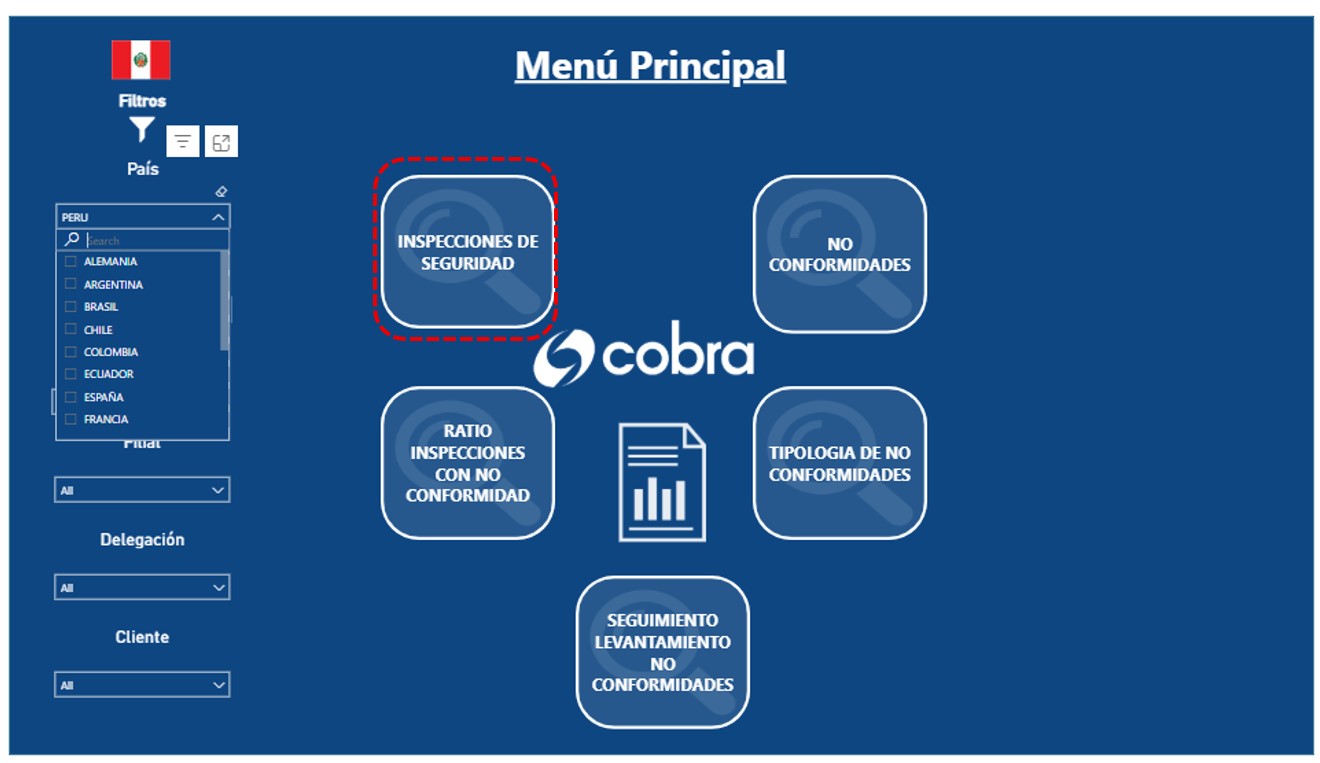
The Country option must always be selected for every report.
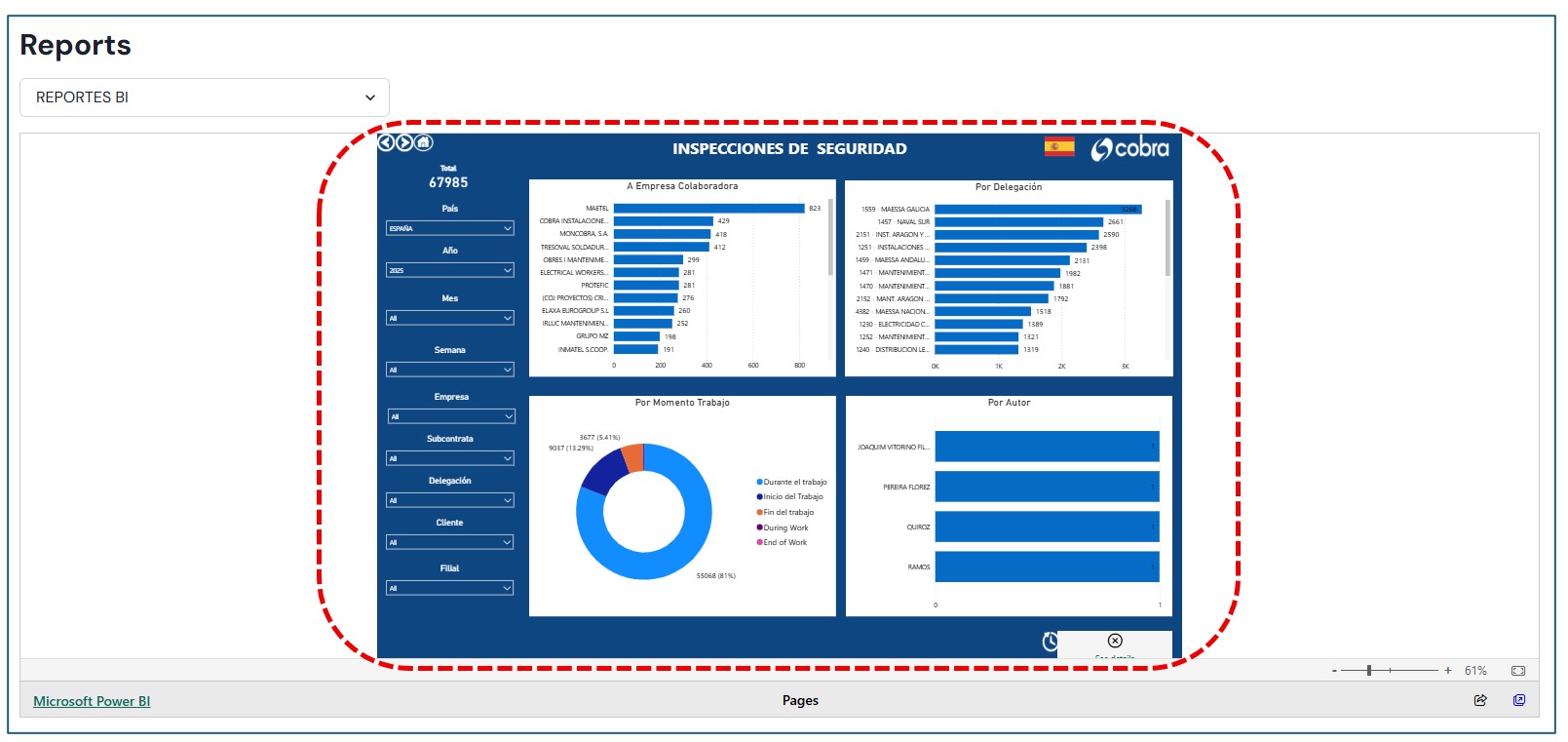
For example, if I need to view Safety Inspections from Peru, I first select the country and then choose the option I need.
And then the information appears with all the details.
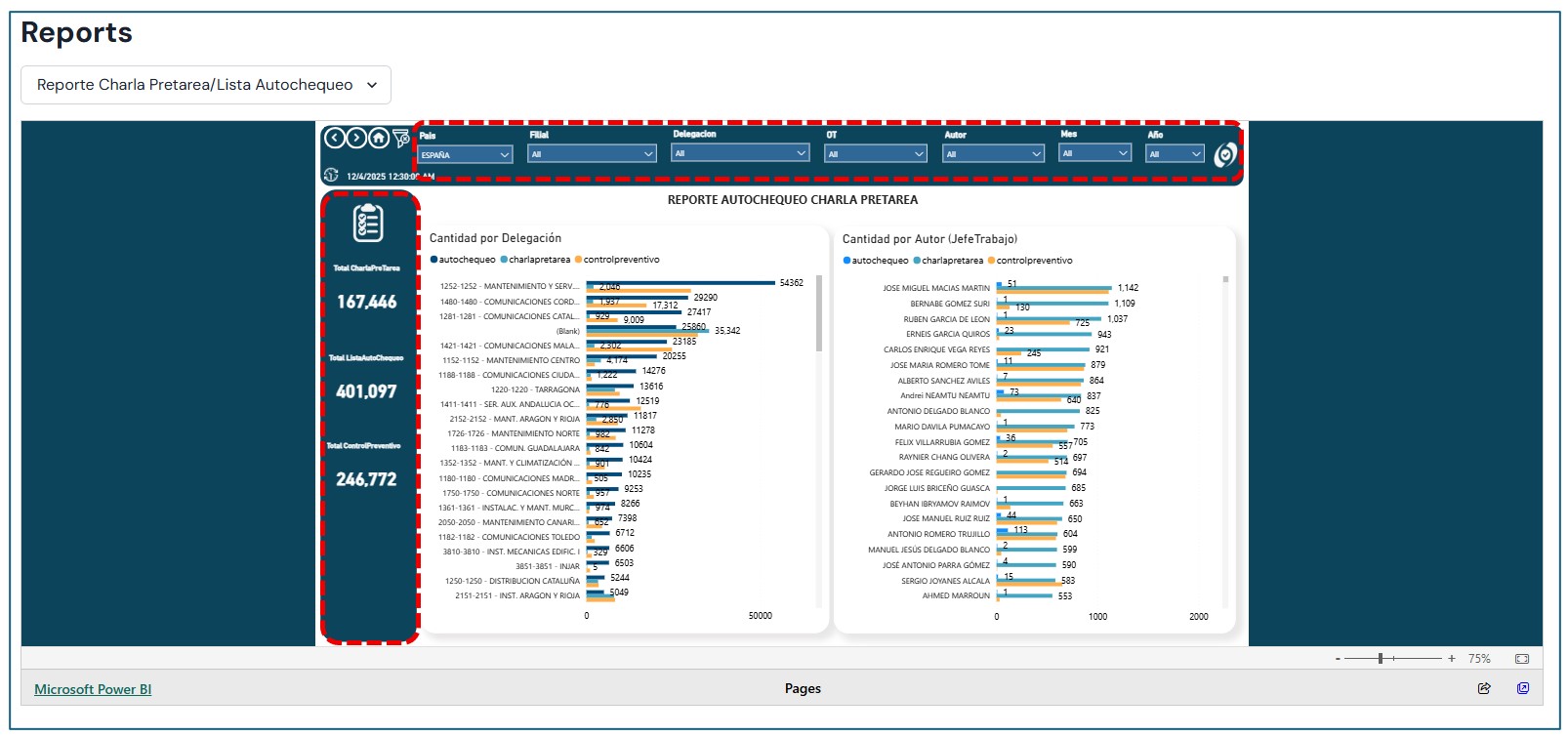
Pre-task Talk Report / Checklist Report
In this option, only a menu is displayed with the Country and Report Type options, which must be selected in order to load the report you want to review.
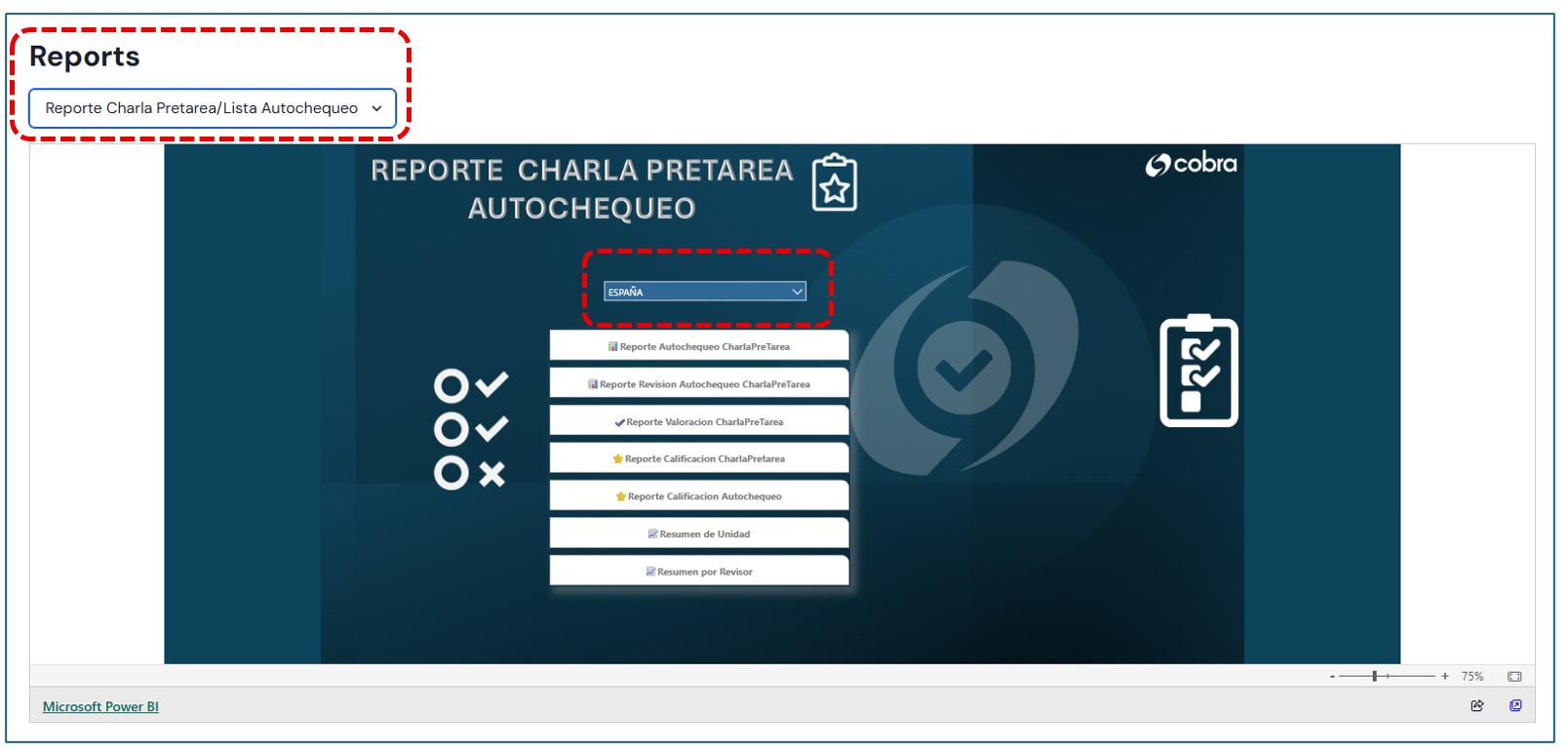
For example, if we select the country Perú and the option Self-Check Report / Pre-Task Talk, the corresponding information will be displayed.
In addition, the totals will be shown in the sidebar.